5
3. Getting started
The thermostat is set up with a factory setting to give you the best possible comfort at the lowest
possible energy consumption. If you have changed the settings, or there has been a power failure,
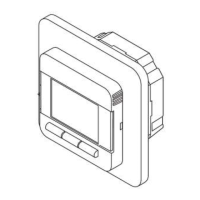
you can return to the factory settings by using the three buttons (no. 7 - see page 4) and press
forward to the menu “Factory reset”. You do this by selecting “Settings” followed by “Engineer
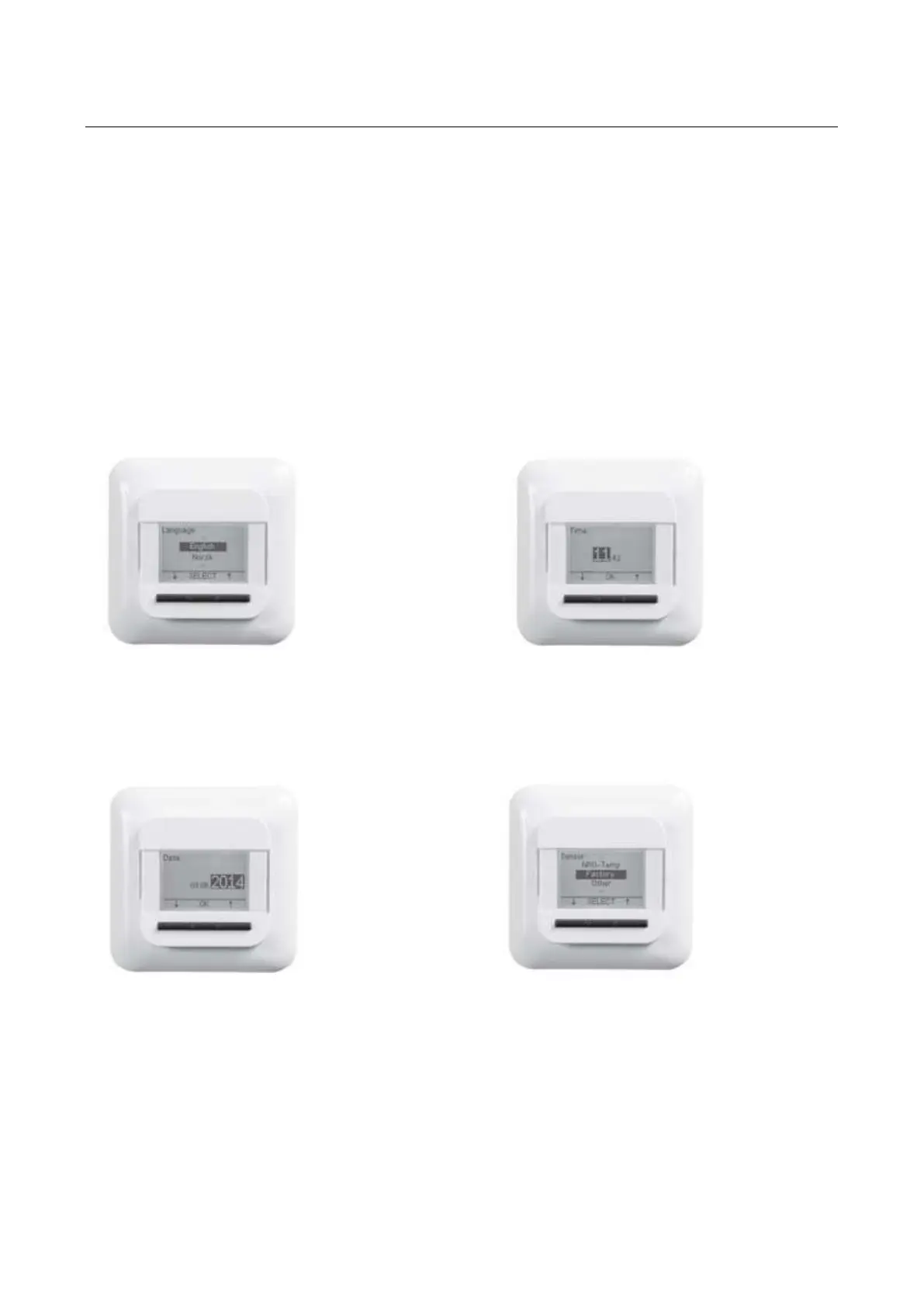
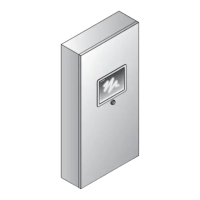
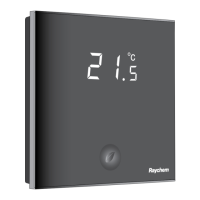
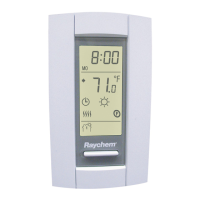
settings” and ”Factory reset”. When you are here, you are asked to follow a setup menu with 4
simple questions.
1. Select Language 2. Confirm Time
3. Confirm Date 4. Select Sensor
Remark: This menu will only be shown when you reset factory settings.
When you choose language, you can choose between e.g. English, French, German etc.


 To Next Page