Wuhan Raycus Fiber Laser Technologies Co., Ltd
User Guide of Global Version 2000 W CW laser
Raycus User Guide | Using the Product
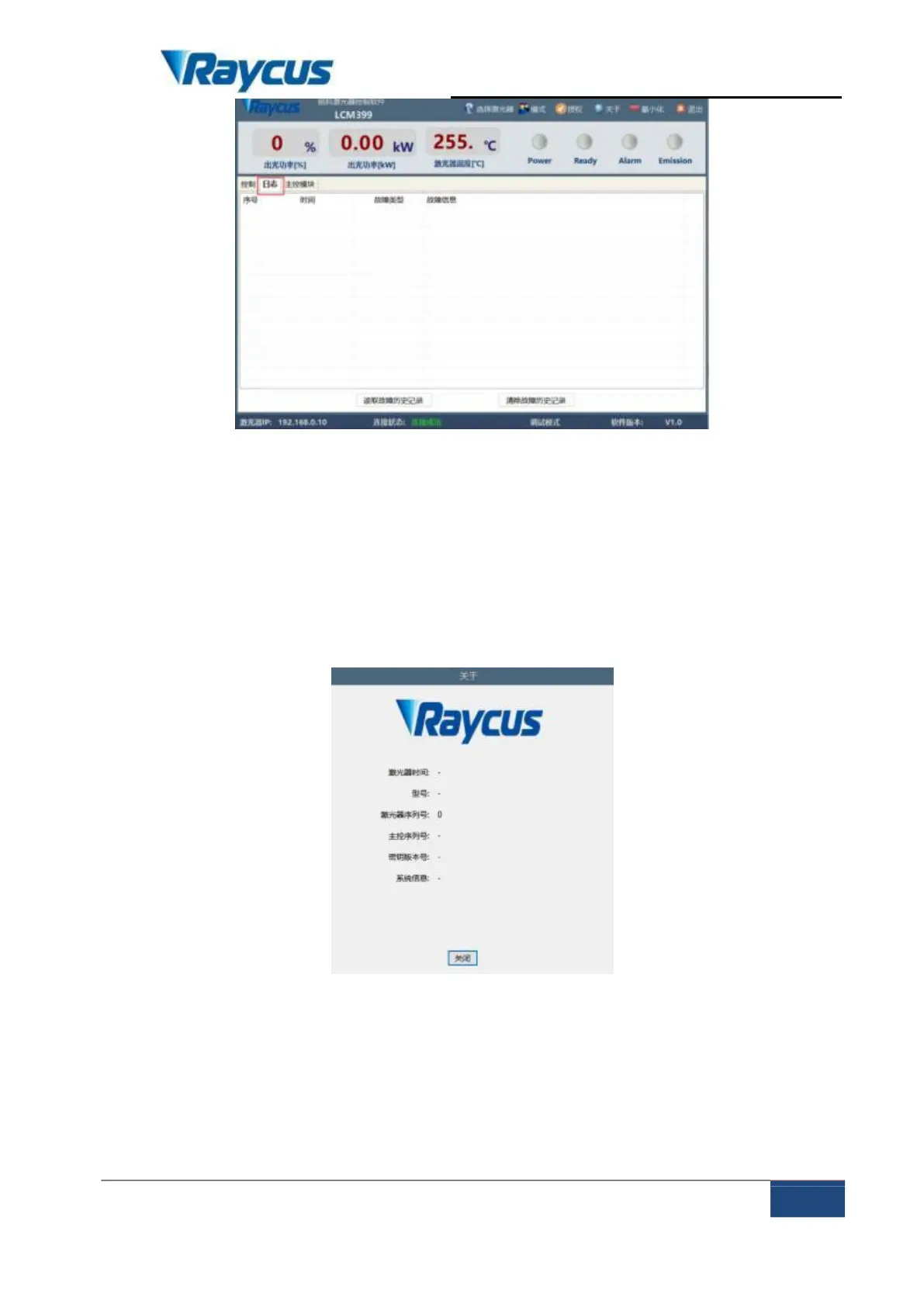
Figure 12 The alarm interface
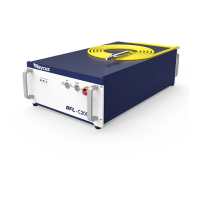
4.7.3 About
The laser time, model, serial number, master control serial number, key
version number and system information are displayed in the interface ,when the
about interface is opened, the upper computer software reads them from the master
control module once.
Figure 13 The about interface
4.7.4 Language Selection
In the language selection interface, you can set the language used by the
software. After selecting the language and clicking OK, you do not need to restart
the software, automatically convert the content displayed in the software into a



 To Next Page