
 Need help?
Do you have a question about the Raycus RFL-C300 and is the answer not in the manual?
Details laser safety grades, hazard identification, and required protective measures.
Covers precautions for lens care, grounding, voltage, and general usage rules.
Lists product features, explains model codes, and references specifications.
Guides on package contents, inspection, and required operating conditions.
Provides crucial operational cautions and lists detailed product specifications.
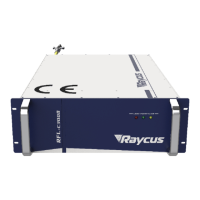
Shows external dimensions and front/rear panel views of the laser unit.
Details optical cable specifications and cooling system installation requirements.
Outlines general installation rules, power connection, and cable handling precautions.
Describes the physical interfaces and controls on the laser's front and rear panels.
Covers power requirements and details various communication interfaces (DB25, RS-232, Ethernet).
Provides step-by-step instructions for installation and the correct laser start-up procedure.
Explains the client software for laser control, including its interface, modes, and parameters.
Details various control modes (standalone, external, AD) and their operation.
Details the correct sequence for safely shutting down the laser.
Guides on using the mobile app for laser connection, status monitoring, and control.
Describes how alarms are shown on the software and provides instructions for troubleshooting common errors.
Outlines the general warranty terms, coverage, and exclusions.
Provides instructions for service, repair, and contacting Raycus for support.
 General
| Brand | Raycus |
|---|---|
| Model | RFL-C300 |
| Category | Measuring Instruments |
| Language | English |







 To Next Page