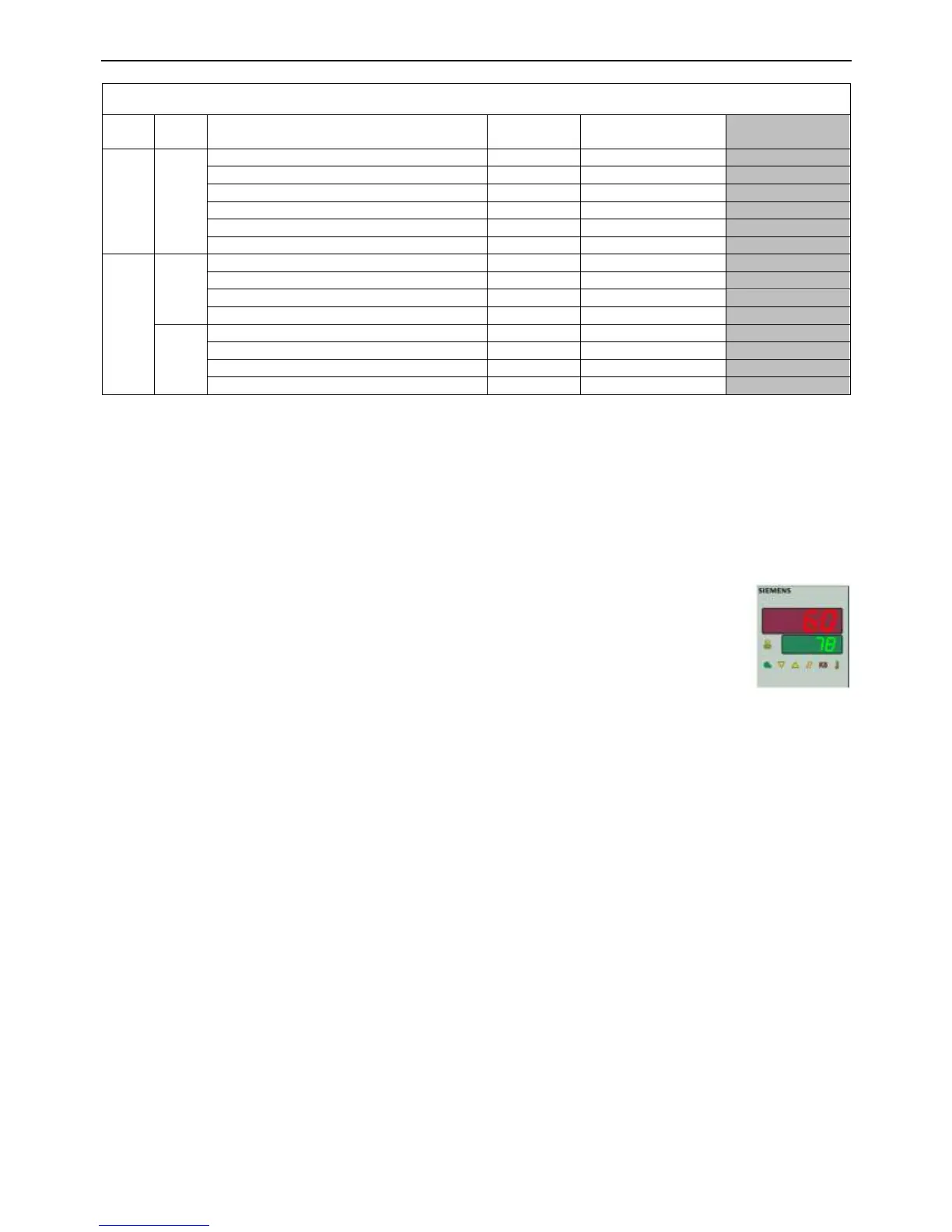
RWF55 Adjustment Procedures
Notes to all RWF55 adjustment procedures:
If a button is not pressed within 180 seconds during any thermostat adjustment procedure, and ‘ENTER’
has not been pressed to save the new value, the thermostat display will revert to show the current probe
temperature without modifying the selected parameter. If this occurs it will be necessary to reprogram the
selected parameter.
The thermostat will operate as normal whilst performing any thermostat adjustment procedure.
Checking or Adjusting RWF55 Set Point
1. Press and release the (▼) button, the current set point temp (green display) will start
flashing.
2. Press and release (▲) or (▼) to adjust the set point to the required value.
3. Press and release ‘ENTER’ to confirm the new setting. The green display will stop flashing
and the new set point will be displayed.
Checking or Adjusting RWF55 ‘User (OPr) Level’ Parameters
Note: For Raypak standard programming only user level parameter SP 1 is able to be adjusted, other parameters
may be available but are display only at this level.
1. Press and release ‘ENTER’, ‘OPr‟ appears in the lower display.
2. Press and release ‘ENTER’; ‘SP 1‟ and the current set point are displayed.
3. Press and release ‘ENTER’; ‘SP 1‟ will start flashing
4. Press and release (▲) or (▼) button to enter the value for SP 1 as shown in the „Raypak Setting‟ column of
the "RWF 55 User Level Parameters" table on page 46.
5. Press and release ‘ENTER’ to accept the new setting. „SP 1‟ will cease flashing and the new set point will be
displayed.
6. Press and release (▲) or (▼) button, „InP1‟ and the current water temperature will be displayed. This is
information only to confirm the sensor is reading the correct water temperature.
7. Press ‘ESC’ for more than 2 seconds, the display will revert to show the probe and set point temperatures.







 To Next Page