14
Preparation and Setup
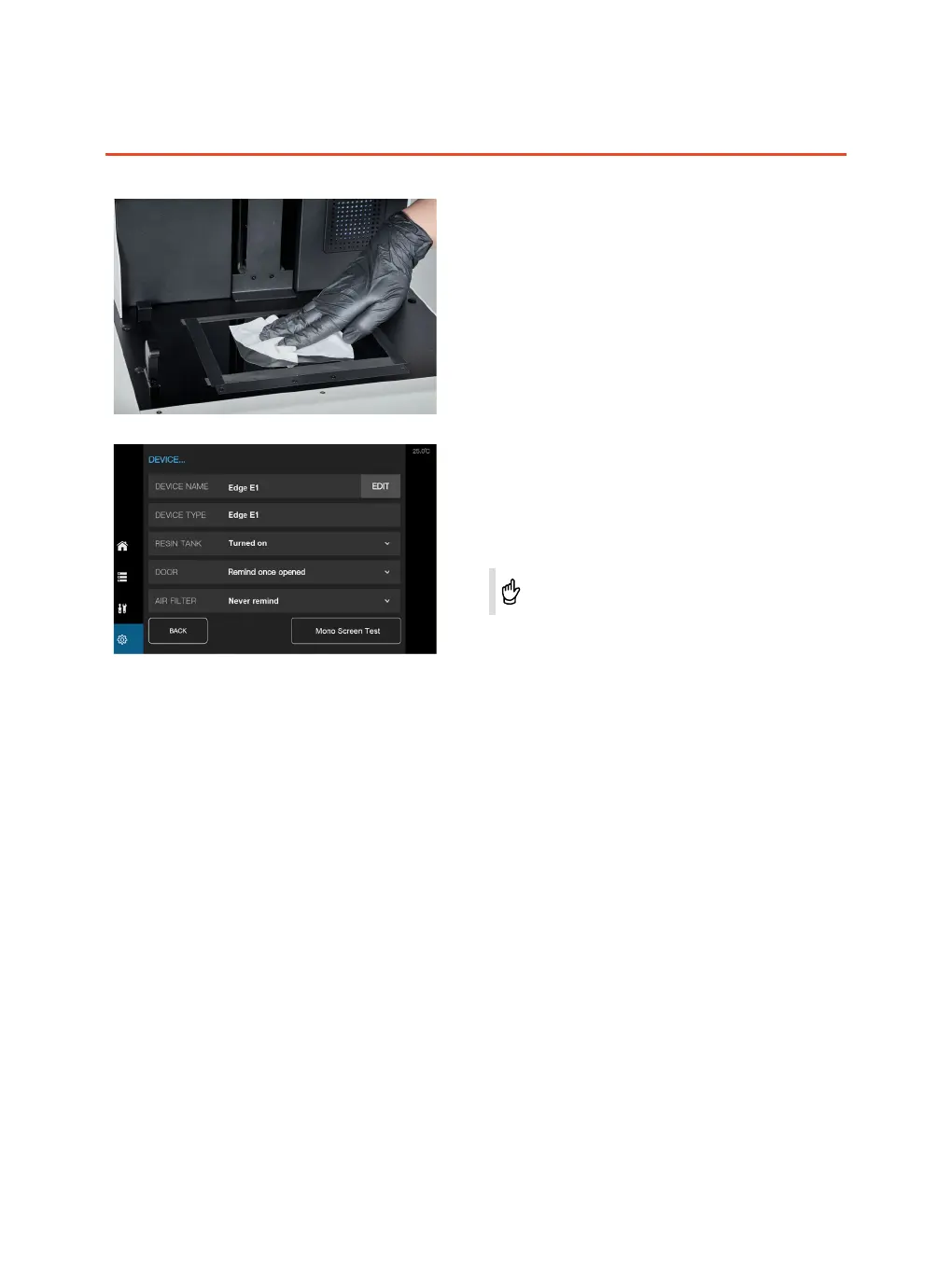
Screen preparation
The screen shall be kept clean without damage,
scratches and other abnormalities. The screen is
pasted with protective lm. Please check and clean
it regularly. If needed, please replace with a new
protective lm.
Screen test
Place a piece of A4 paper on the screen, close the
cover, click "Mono Screen Test", the screen will project
a square array, . Check if the projected image is clear
and stable.
If the projected image is flickering, blurred or with other
abnormal conditions, please contact with the after-sales
service.



 To Next Page