26
Preparation
Post-processing work will lead to resin dripping, and waste liquid or waste residues would be generated
accordingly also, then pollution prevention should be considered during the preparation.
Item should be prepared :Disposable glove, spray bottle, brush, shovel blade, hammer, tray, plastic box ( It is
recommended to equip with ShapeWash washing unit).
Post-processing
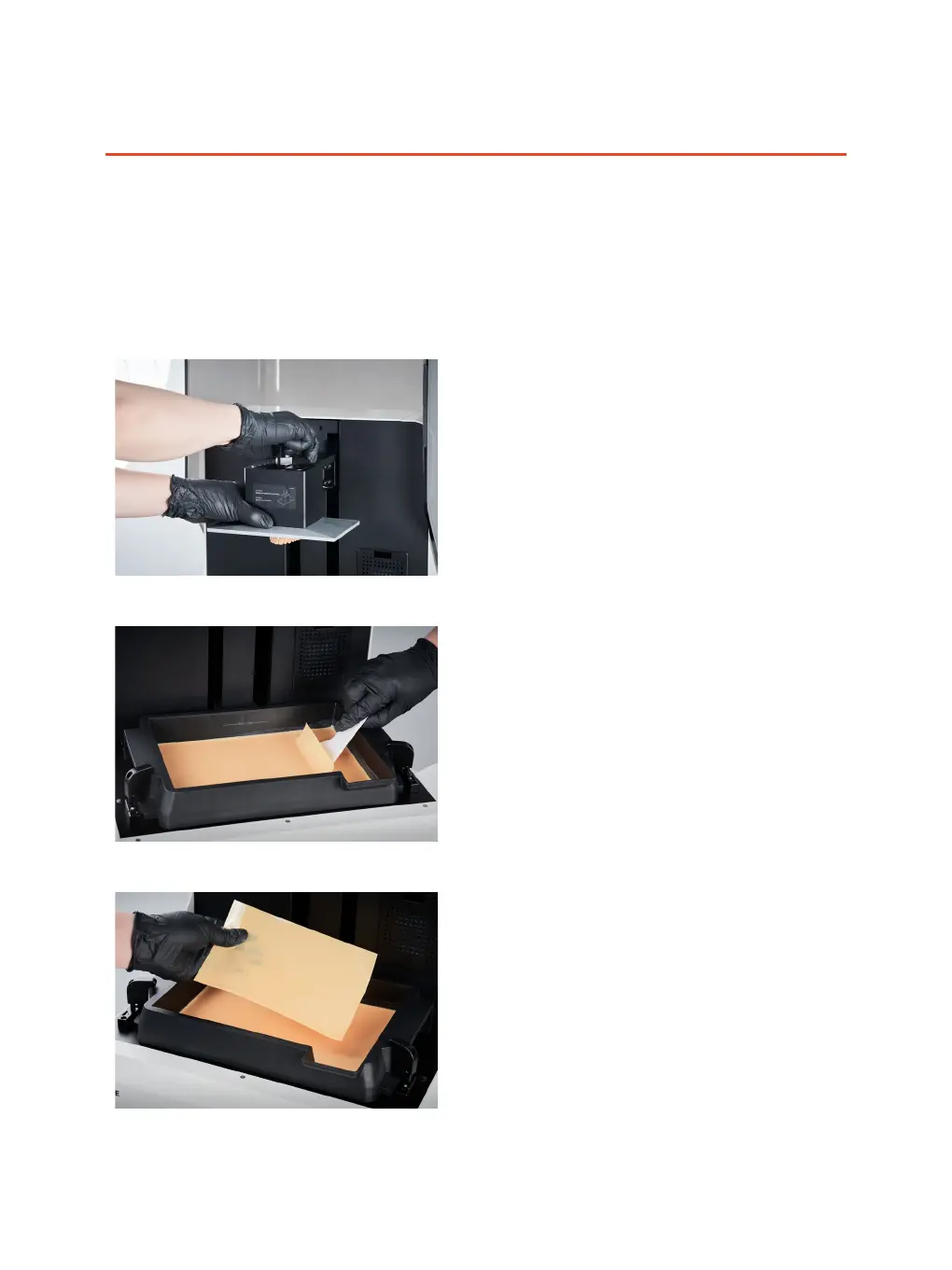
Remove the printing platform
Rotate counterclockwise to release the handle, and
pull outward to remove printing platform.
Remove the printing platform
Click "Clean resin tank". After curing, please shovel
the cured layer of resin along the edge of the resin
tank with the plastic scraper until it was separated
at the corner, then tear down the whole layer of resin
with your hands by wearing the disposal gloves and
discard afterward.



 To Next Page