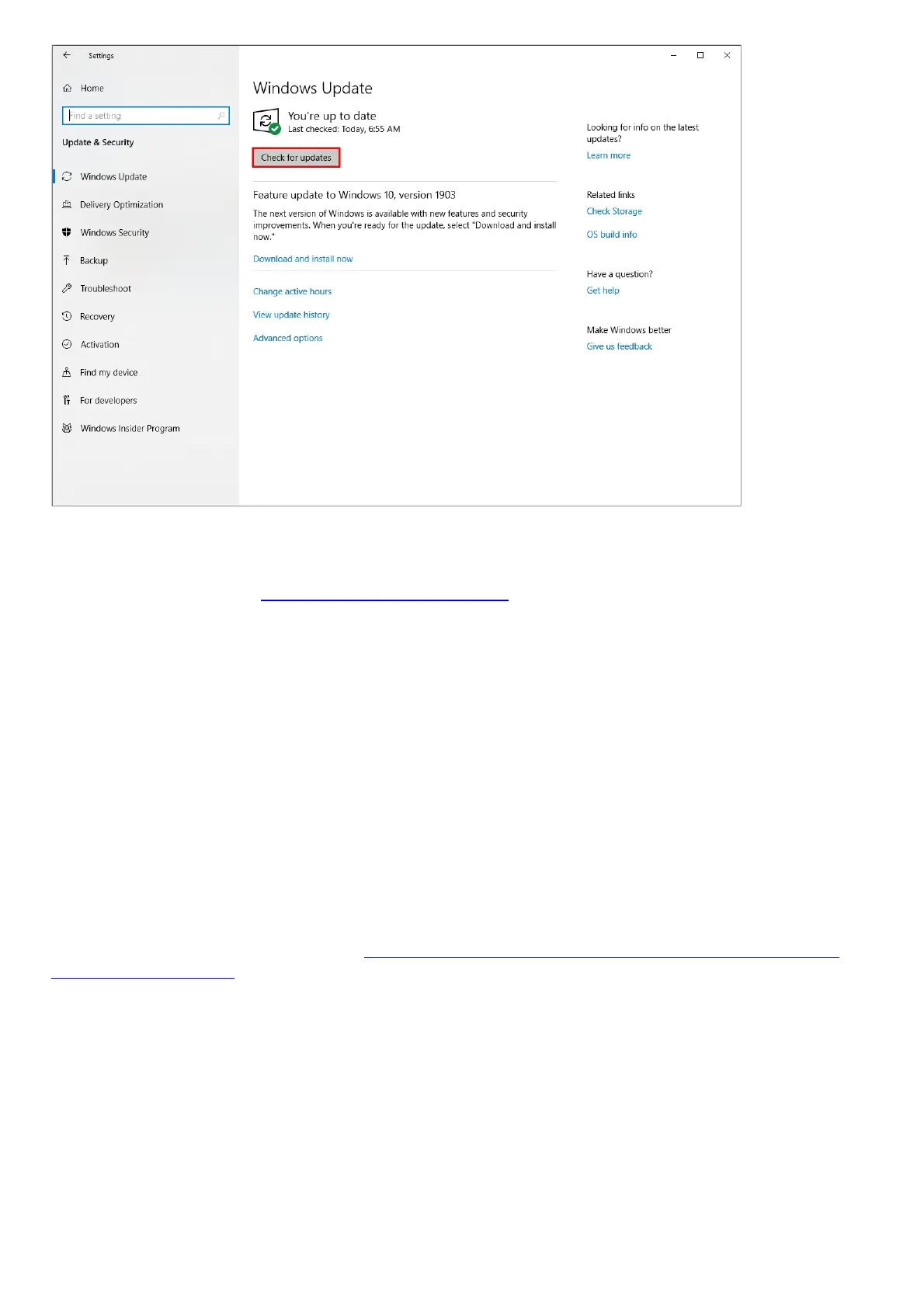
Your system should automatically prompt you of any missing update or if the device is currently up to
date.
For more information, see Microsoft Windows Support.
Hardware
Can I overclock the processor and the graphics card on my Razer Book laptop?
Razer laptops are carefully crafted and its components are tuned to give the best performance under
the most demanding gaming conditions. We do not recommend overclocking your CPU, GPU, and/or
RAM as these alter the delicate balance of performance and reliability of the system. There is an
associated risk of damage to crucial components if unauthorized changes are made, which will result
in voiding the manufacturer’s warranty.
How long will a Razer laptop go on a fully charged battery before it needs to be
re-charged?
The battery of the Razer Book 13” (2020) can go up to 10 hours when fully charged. However, battery
drains variably depending on how you use your Razer Book 13″ (2020). If you want to know how to
make most of your Book’s battery, see How do I improve or extend the battery performance
and life on my Blade
Will I overcharge my battery if I leave it plugged in even when it is at 100%?
The Razer Book series uses a lithium-ion (Li-On) polymer battery. Though this is not exactly a Windows
feature, overcharging Li-ion batteries is not a problem and does not affect the battery life span. The
Razer Book laptops have an internal circuit to stop charging at full charge to avoid overcharging, and
will only start recharging when the battery hits 95%.
How can I extend the battery life of my Razer Book 13″ (2020) when on-the-go?
Most of the battery improvement options are part of the Windows OS. Follow the following tips below
to extend the battery life of your Razer Book 13″ (2020) when on-the-go:



 To Next Page