1. Balanced – The default mode and sets the balance between battery consumption and gaming
graphics.
2. Battery Saver – Focuses on saving maximizing the consumption of battery power.
How do I improve the image quality and color on the Razer Book’s display?
Every Razer Book’s display is individually color-calibrated for the best possible viewing experience, out
of the box. However, users can always customize the display in Windows to fit their preferences.
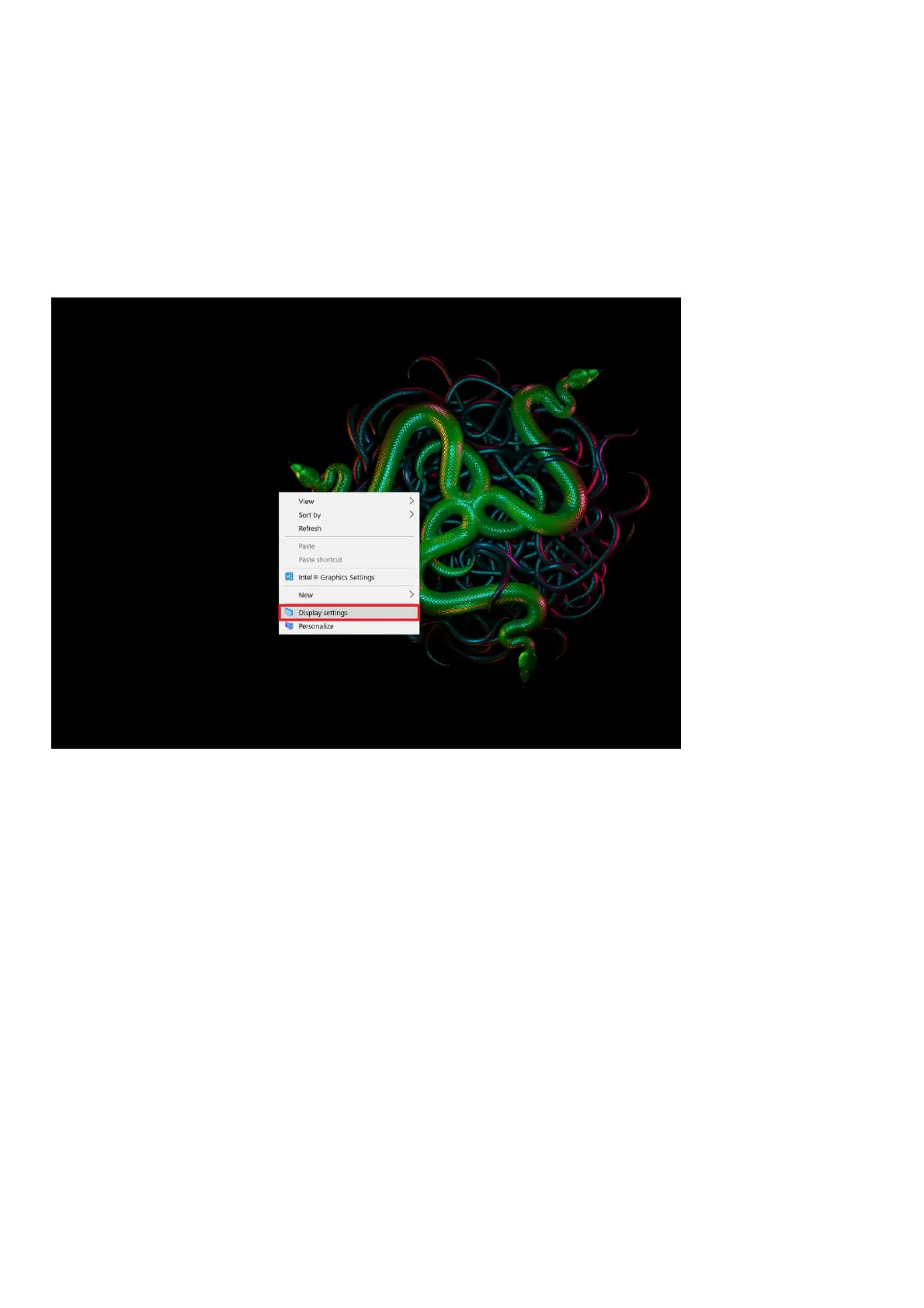
Follow these steps to customize your display:
1. Right-click on your desktop and select “Display settings”
2. Basic display settings such as scaling, orientation, and the “Night Light” option can be accessed
here. You may also adjust the brightness level to your preference by using the slider.



 To Next Page