Quick Effects
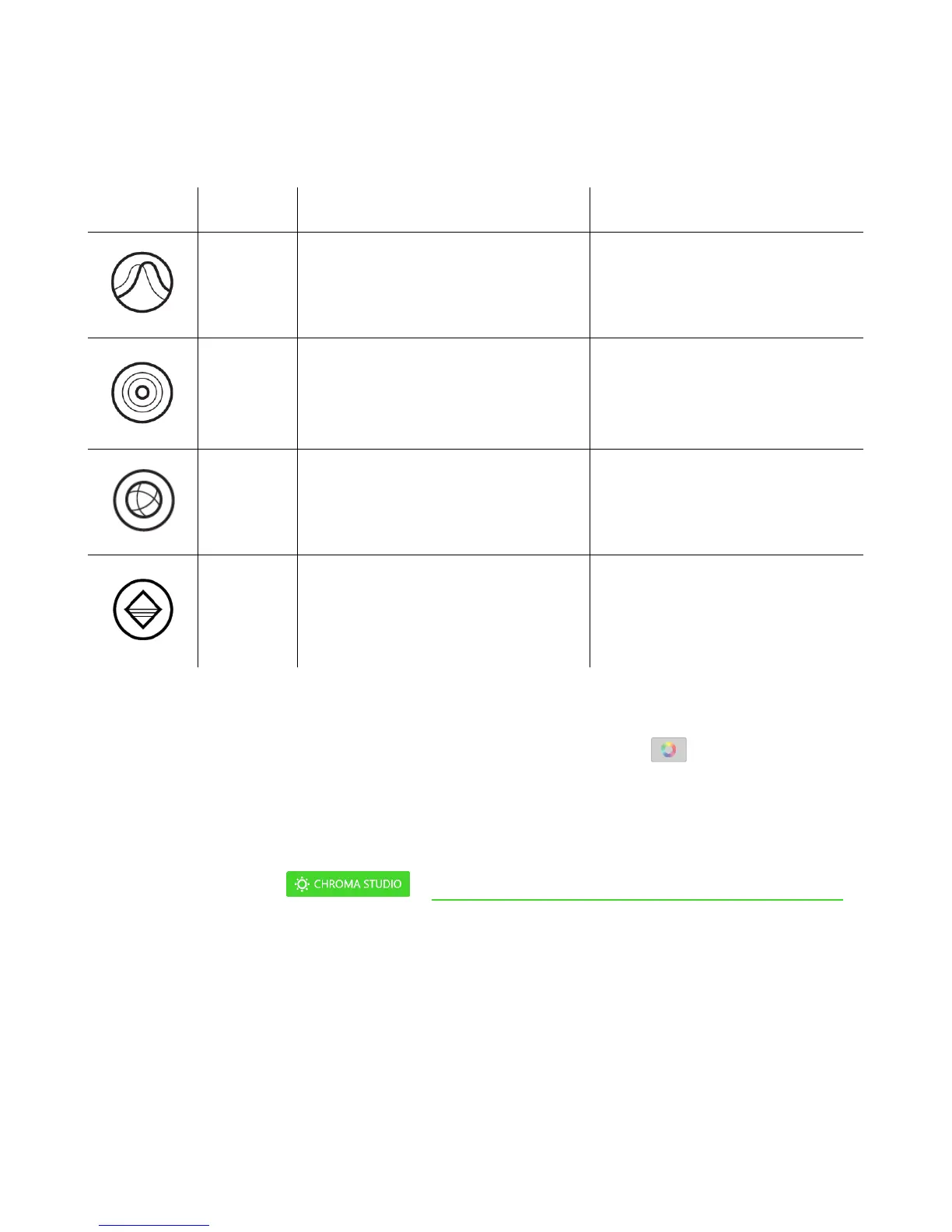
A number of quick effects can be selected and applied to your mouse’s lighting, as listed
here:
The lighting fades in and out of
the selected color(s)
Select up to 2 colors or
randomize
The LEDs will light up when you
click any of the mouse buttons
Select the color and the length
of time for the LED to remain
lit
The LEDs will cycle between
16.8 million colors indefinitely
No further customization
required
The LEDs will remain lit in the
selected color
If you have other supported Razer Chroma-enabled devices, you can synchronize their quick
effects with your Razer device by clicking the Chroma Sync button ( ).
Advanced Effects
The Advanced Effects option allows you to choose a Chroma Effect you want to use on your
Razer Chroma-enabled peripheral. To start making your own Chroma Effect, simply press the
Chroma Studio button ( ). Click here to learn more about the Chroma Studio















 To Next Page