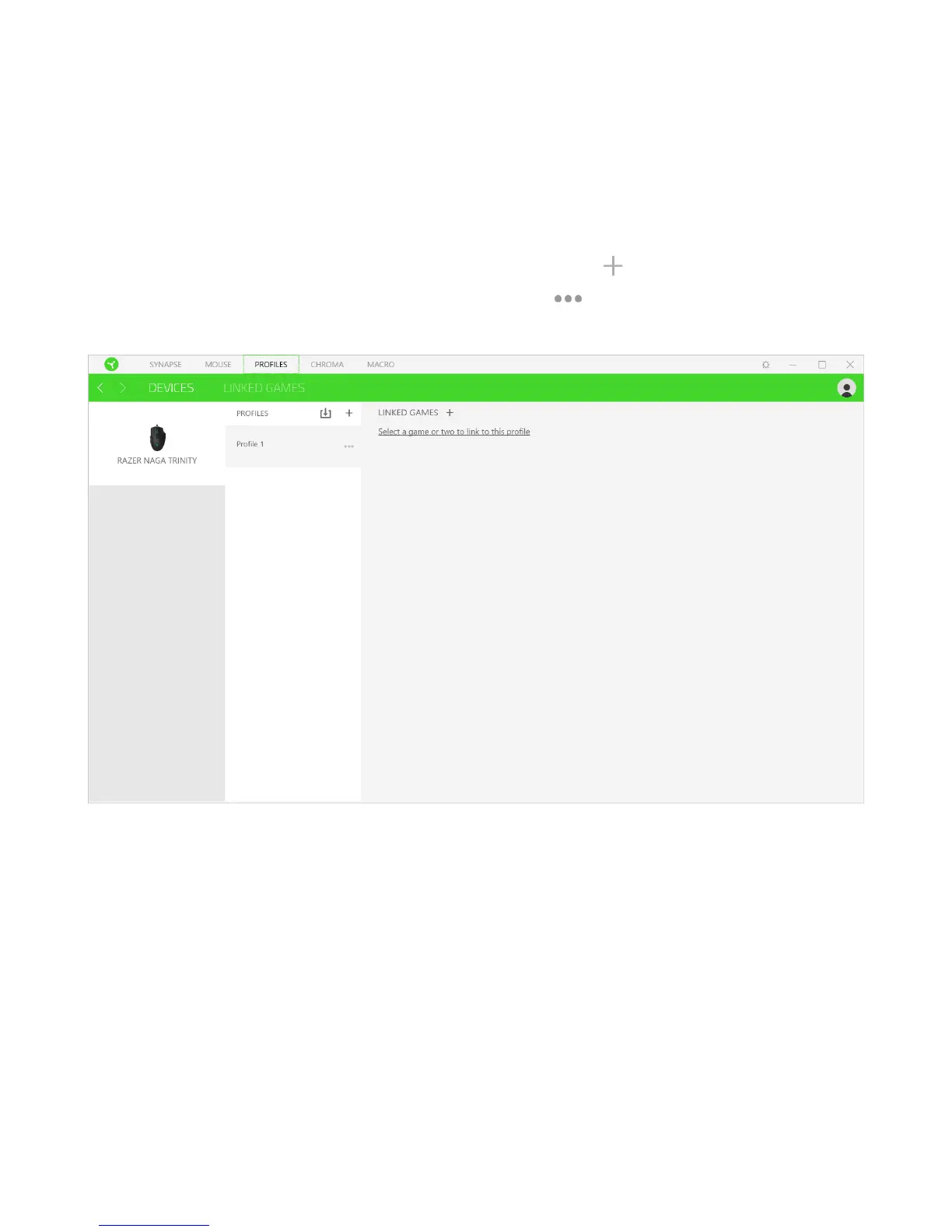
PROFILES TAB
The Profiles tab is a convenient way of managing all your profiles and linking them to your
games and applications.
Devices
View which Razer device is using a specific profile using the Devices subtab. To create a new
profile within the selected device, simply click the add button ( ). To rename, duplicate, or
delete a profile, simply press the Miscellaneous button ( ). Each profile can be set to
automatically activate when you run an application using the Link Games option.















 To Next Page