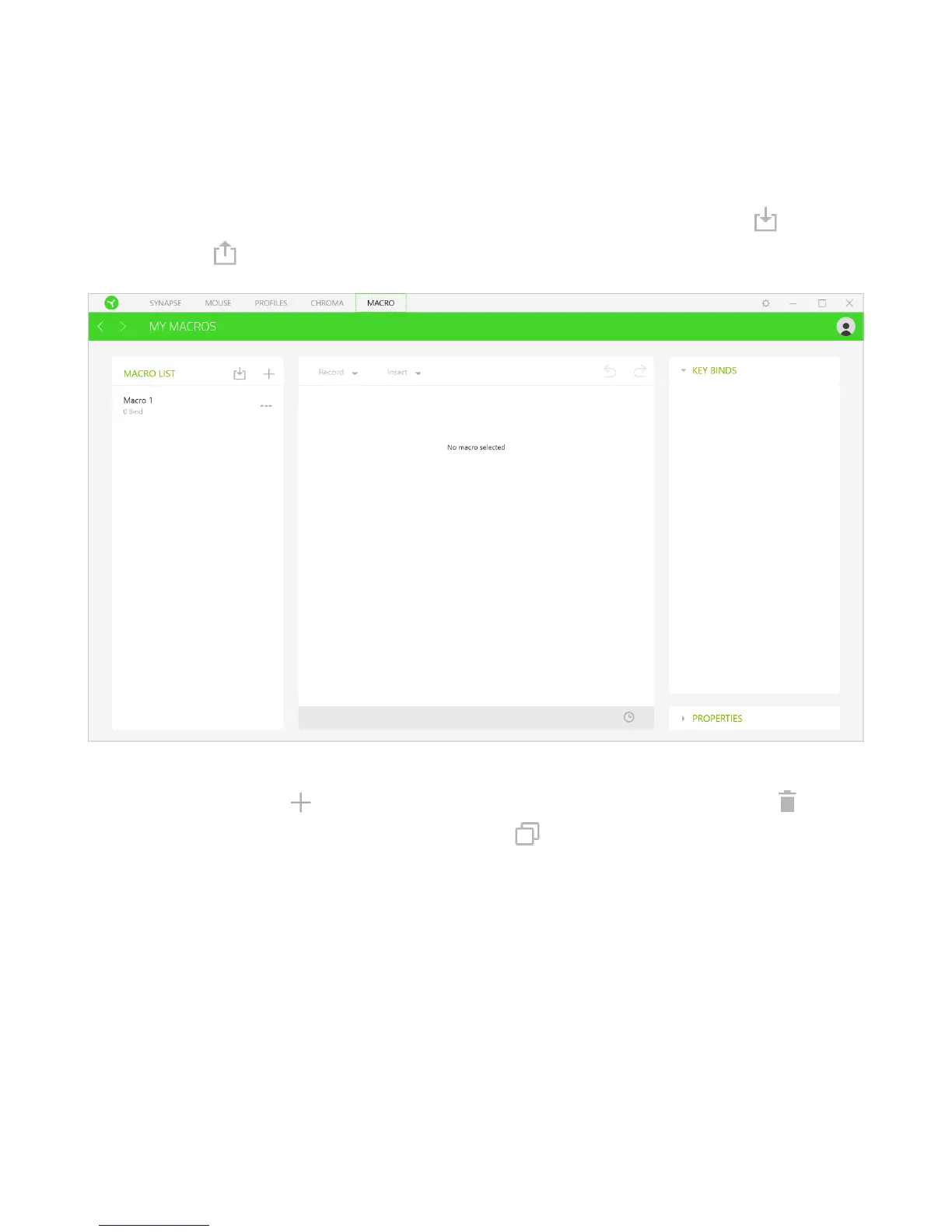
MACROS TAB
If you need to accurately execute a series of complex commands then you need a Macro. A
macro is a set of recorded keystrokes, button presses, and cursor movements. The Macros
tab allows you to create, edit, and organize these macros so that you can assign them to your
mouse buttons. You can also share macros with others using the import button ( ) and
export button ( ).
There are also other options available in the macro section such as creating a new macro by
clicking the add button ( ), delete the current macro by clicking the trash button ( ), and
duplicate the current macro using the copy button ( ).















 To Next Page