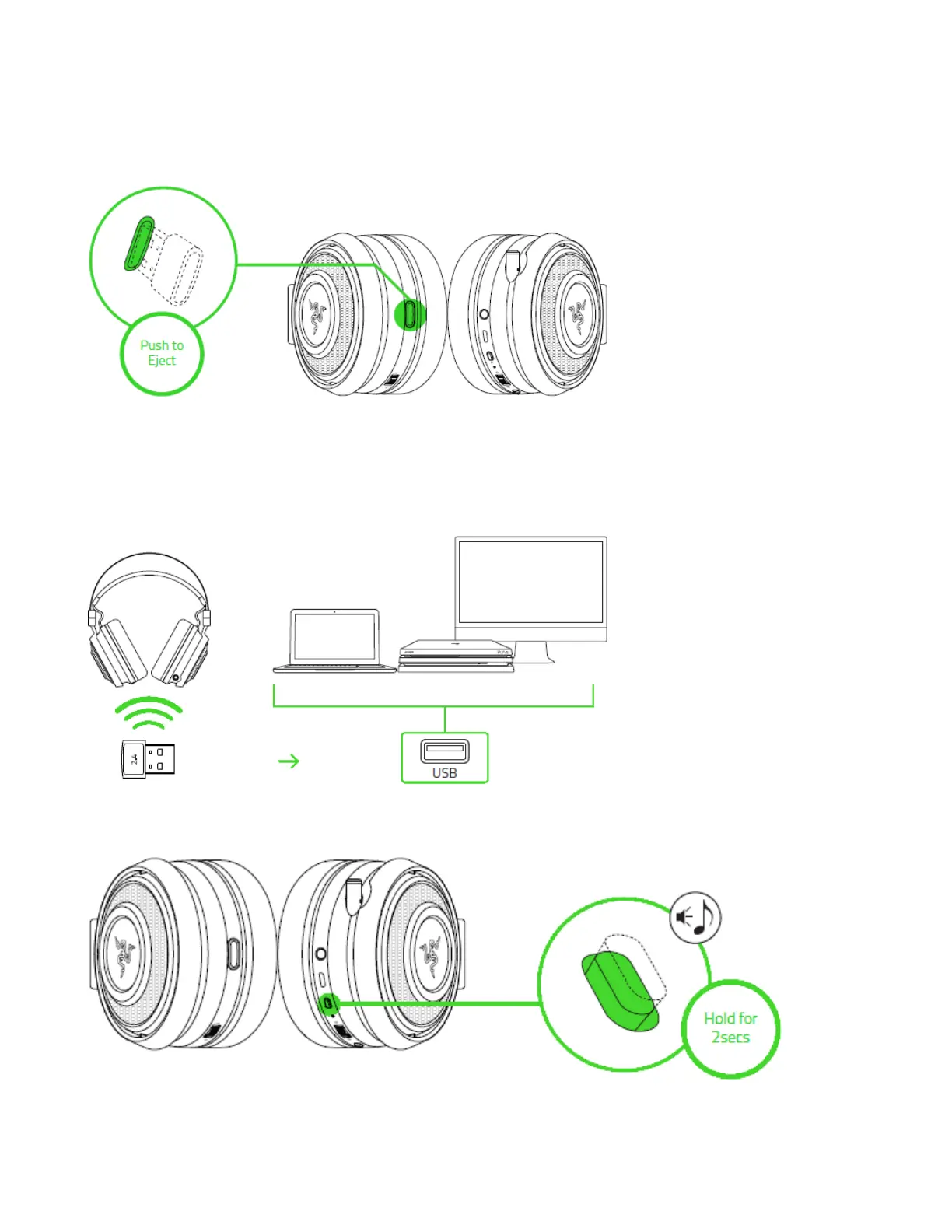
CONNECTING TO OTHER DEVICES VIA USB PORT
1. Push in the USB wireless transceiver until you hear a click then release your finger so
that it ejects from your headset.
Note: To return the USB wireless transceiver, push it into the compartment until you hear a
click.
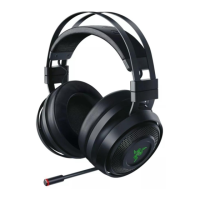
2. Plug the USB wireless transceiver to your device and make sure your Razer Nari is the
default input and output audio device.
3. Power on your headset by holding the power button for at least 3 seconds or until you
hear 2 short beeps.









 To Next Page