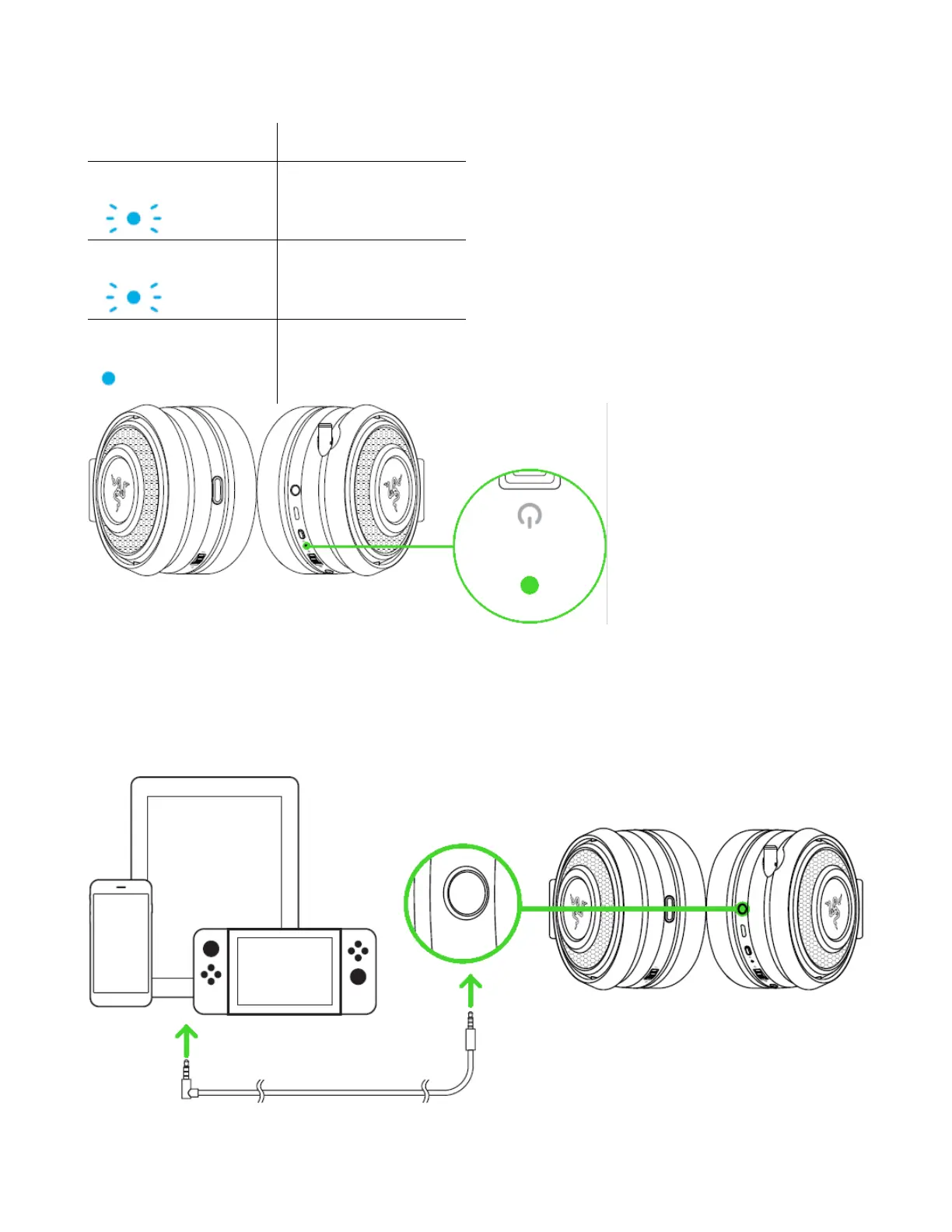
4. Wait until the status indicator is static blue.
CONNECTING TO DEVICES VIA 3.5MM COMBO PORT
If your device has a 3.5mm audio + mic combined jack, simply plug the 3.5mm audio cable
from your headset to your device’s audio jack.
Note: Keep your headset within
close proximity of the USB
wireless transceiver for a faster
and more stable connection. If
your headset fails to connect, it
will automatically power off after a
few minutes.









 To Next Page