CAUTION: Make sure that no two base phone units have the same extension.
resolved.
connected to the system. A maximum of 25 phones can be connected in the system.
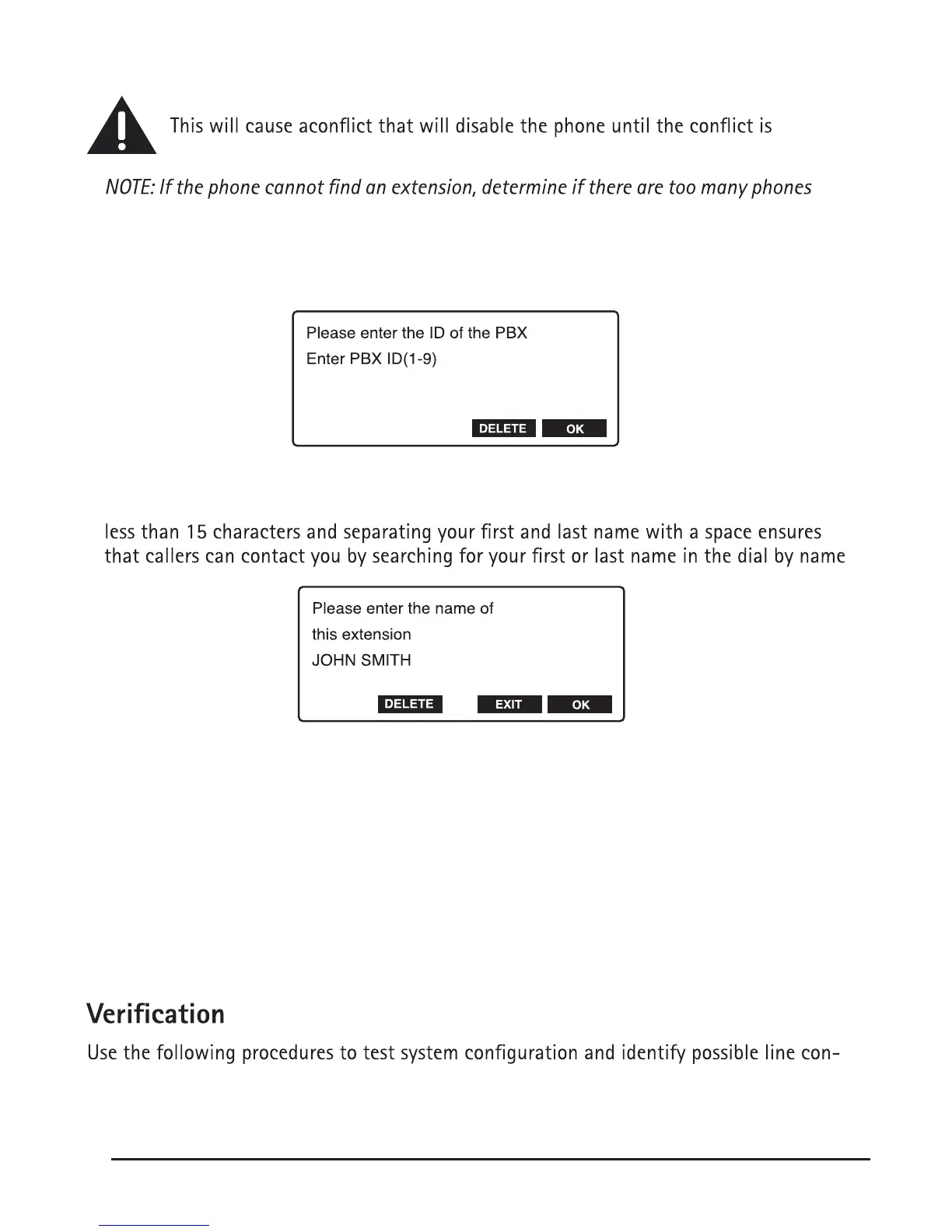
Next the phone will ask you to enter the ID number of the digital router this phone will
be using. The default router ID number is 1, so if you are only using one router, enter 1.
Finally you will be allowed to register your name with the phone. This will allow callers
to locate your extension using the dial by name directory in the auto attendant. Using
directory.
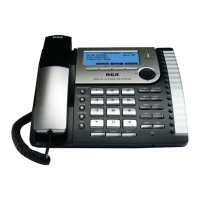
Connect the handset cord:
Connect one end of the coiled handset cord to the jack on the side of the base and the
other end into the jack in the handset, and place the handset in the cradle.
Check for a dial tone:
Lift the handset and listen for a dial tone. If you hear a steady tone, the phone is properly
installed. If you hear three quick tones, please refer back to the System Installation section.
nection errors. The phone must be connected to the power outlet, the WAN port must be
connected to the 25801 IPBX through a network system, and the phone must have a unique
phone extension.
12


 To Next Page