10
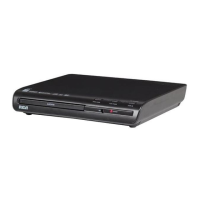
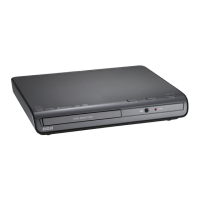
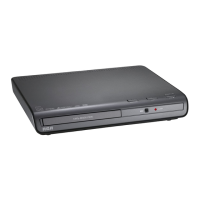
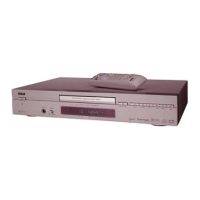
Graphics are for representation only. Your unit may differ slightly.
Connections and Setup
Using Different Menus
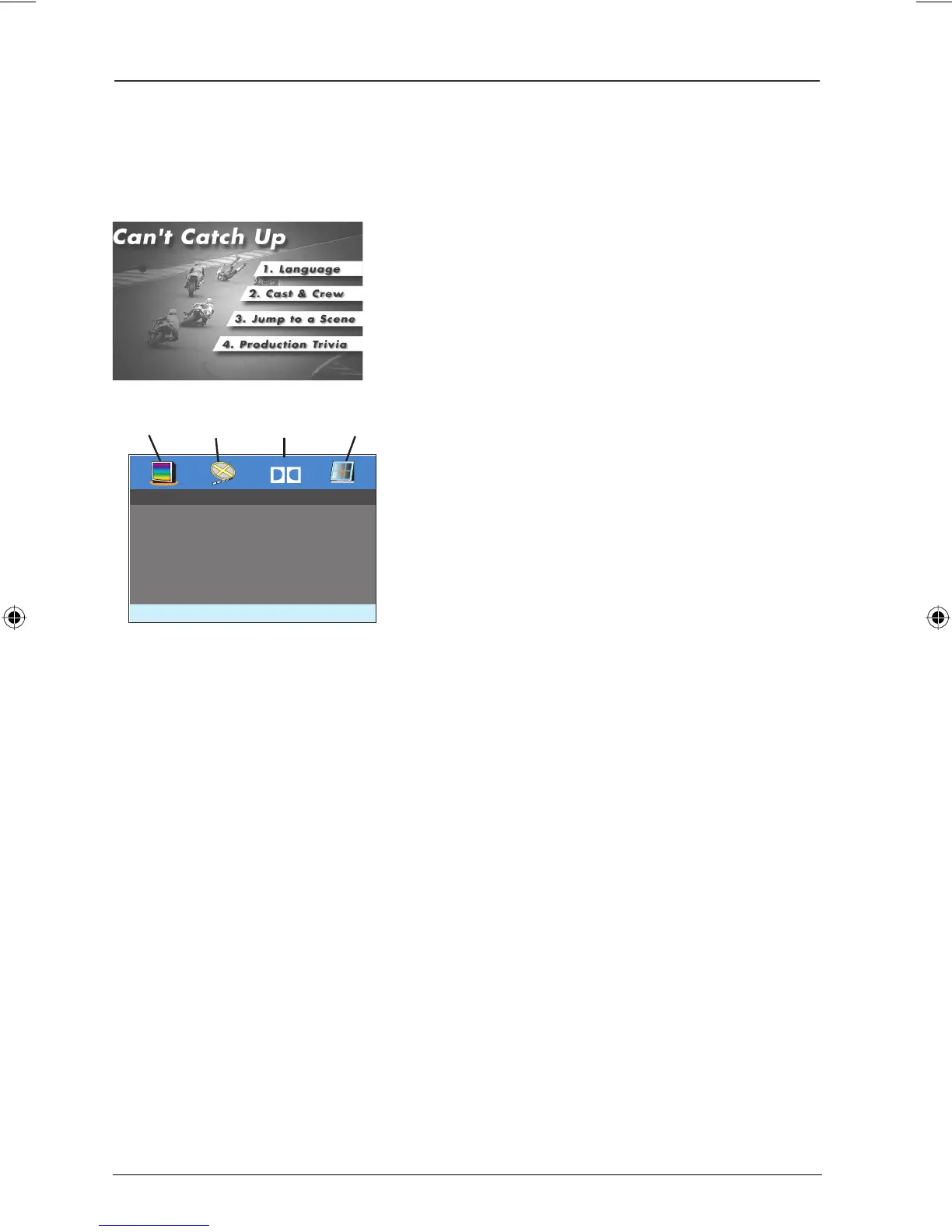
Each disc is programmed with different features. There are two separate types of menus that you
can use to access features:
• The Disc menu – The Disc menu is part of each
disc and is separate from the DVD player’s menu. The
contents of each Disc menu vary according to how the
disc was authored and what features were included
on the disc. The Disc menu is turned on and off (while
the disc is playing) with the DVD MENU button on the
remote control.
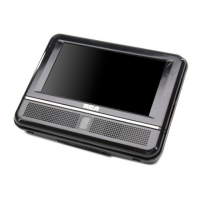
• The DVD player menu – The DVD player’s menu
system is accessed when a disc is playing or in the stop
mode. Pressing SETUP turns the menu system on and
off.
Locking the DVD Player Buttons
The KEY LOCK button on the remote control allows you to disable the buttons
on the portable DVD player except for the POWER button. Press KEY LOCK
to lock the player’s buttons (except for POWER); Key Lock On appears on the
player’s screen. To unlock the buttons, press KEY LOCK again, Key Lock Off
appears.
Dolby
General Setup Menu
TV Display PS
TV Type PAL
Menu Language ENG
General
Video
Dolby
Preference
Book 1.indb 10Book 1.indb 10 4/29/05 10:04:30 AM4/29/05 10:04:30 AM



 To Next Page