22
Graphics are for representation only. Your unit may differ slightly.
Menu System
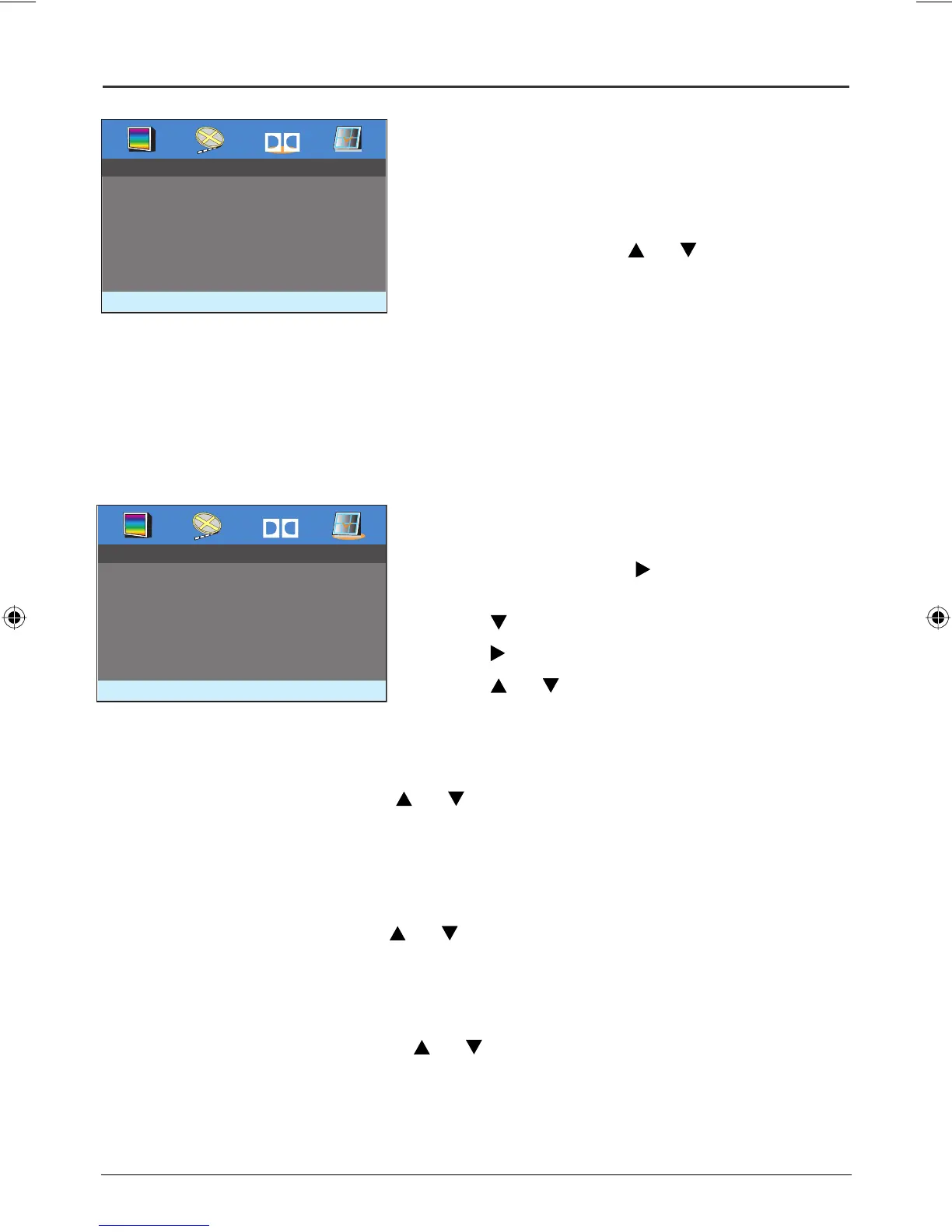
The Dolby Digital* Setup
The Dynamic feature in the Dolby Digital Setup menu
enables you to control the different sound levels via dynamic
compression. It improves the quality of the sound track at a
low volume and quiets the loudest sounds.
To change the setting, use the
and buttons, and press
ENTER to select.
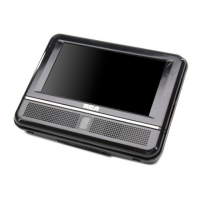
The Preferences Setup Menu
You can only select the Preference Setup menu when a disc is not in the player. The Preferences options
enable you to change some aspects of your DVD player to fit your personal preferences. The Audio,
Subtitle, and Disc Menu options allow you to select the specific language of the disc, if available. The
Ratings option enables you to control the types of disc your family watches and the Password works in
conjunction with the Ratings option.
To select a Preference option:
1
. Press the SETUP button on the remote to bring up
DVD player’s menu. Use the
button to highlight the
Preferences Setup menu.
2. Use the button to highlight an option
3. Use the button to highlight the setting options.
4. Use the and button to highlight one of the settings,
and press ENTER to select.
Dolby
- - Dolby Digital Setup - -
Dynamic
Dolby
- - Preferences Setup - -
Audio ENG
Subtitle ENG
Disc Menu ENG
Ratings
Password
Audio
To change the dialogue language, use the and buttons and press ENTER to
select.
Note: To change the language during play, press the AUDIO MENU on the remote control
repeatedly.
Subtitle
To change the subtitle language, use the and buttons and press ENTER to
select.
Note: To change the language during play, press the SUBTITLE on the remote control repeatedly.
Disc Menu
To change the Disc Menu language, use the and buttons and press ENTER to
select.
Book 1.indb 22Book 1.indb 22 4/29/05 10:04:36 AM4/29/05 10:04:36 AM



 To Next Page