7
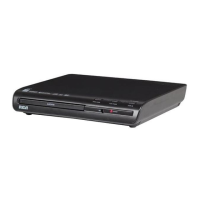
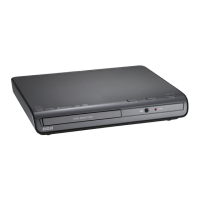
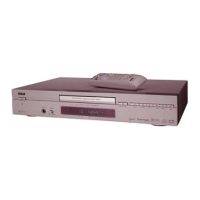
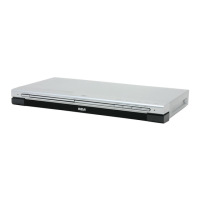
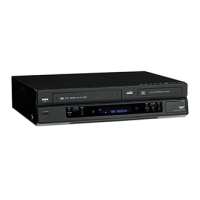
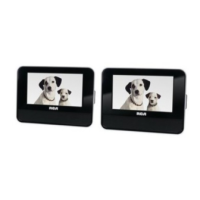
Graphics are for representation only. Your unit may differ slightly.
Connections and Setup
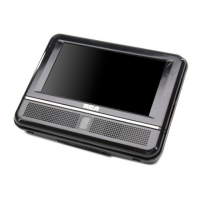
1 DVD screen display
2 Speakers
3 Disc compartment
4 DOOR OPEN (
): Opens the disc tray.
5 ENTER: Selects the adjustment or menu item.
6 Navigation buttons
: Used to highlight on-screen items, and make some menu
adjustments.
7 TITLE MENU/PBC (Playback Control: Accesses the Title /Chapter of the disc when
playing a disc. When playing a VCD, it turns Playback Control on and off.
8 SETUP: Accesses the DVD player’s menu.
9 DISPLAY: Accesses the disc’s information during playback.
10 DVD MENU: Accesses the disc’s menu.
11 Stop
: Stops playback.
12 Skip Forward
: Goes to next chapter (DVD) or track (CD).
13 Pause
: Pauses a disc during playback.
14 Play
: Plays a disc.
15 Skip Reverse
: Goes to previous chapter (DVD) or track (CD).
Book 1.indb 7Book 1.indb 7 4/29/05 10:04:28 AM4/29/05 10:04:28 AM



 To Next Page