Program Guides
27
Tuning To a Program
To tune directly to a current program listed in the guide, point to the
program and press OK.
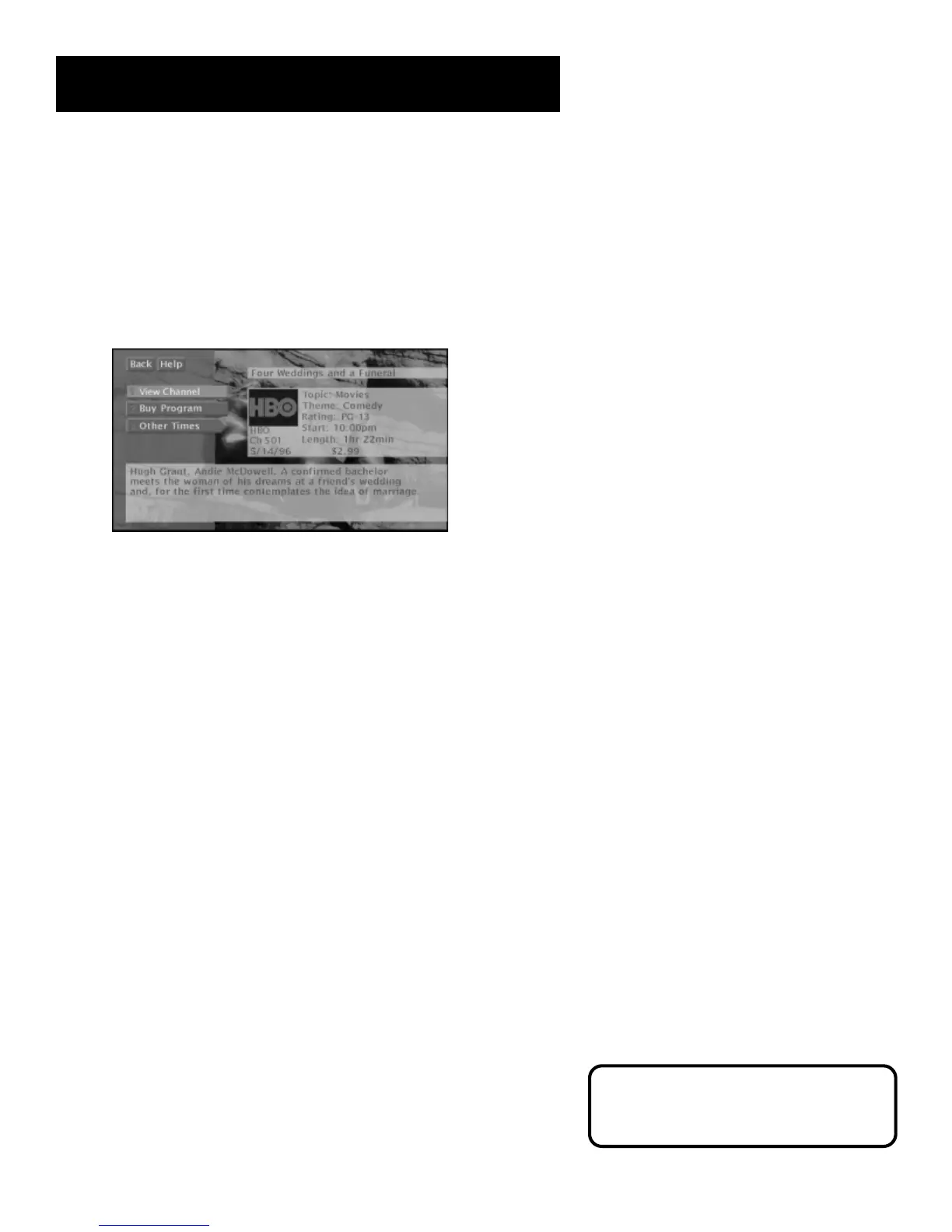
To see information about a program in the guide, point to the program
and press INFO.
The Program Details screen gives you several options.
Then, you can select:
• View Channel to tune to that channel
• Buy Program to purchase the program (Pay Per View only)
• Other Times to see what other times the program is available. The
program title is automatically entered and sorted in the AlphaSort
control panel.
The options available to you may vary according to the type of program
you select.
For information on tuning to a PPV
program, see “The Menu System”
section.



 To Next Page