Program Guides
28
Other Guides icon
Additional Program Guides
In addition to the Detail Guide and Grid Guide, there are a few more
guides: the Channel Guide, the Logo Guide, and the Attractions Guide,
plus the sorting variables Guide Data and Channel Groups.
You can access these guides and sorting variables by selecting the Other
Guides icon at the bottom of the Detail Guide and Grid Guide.
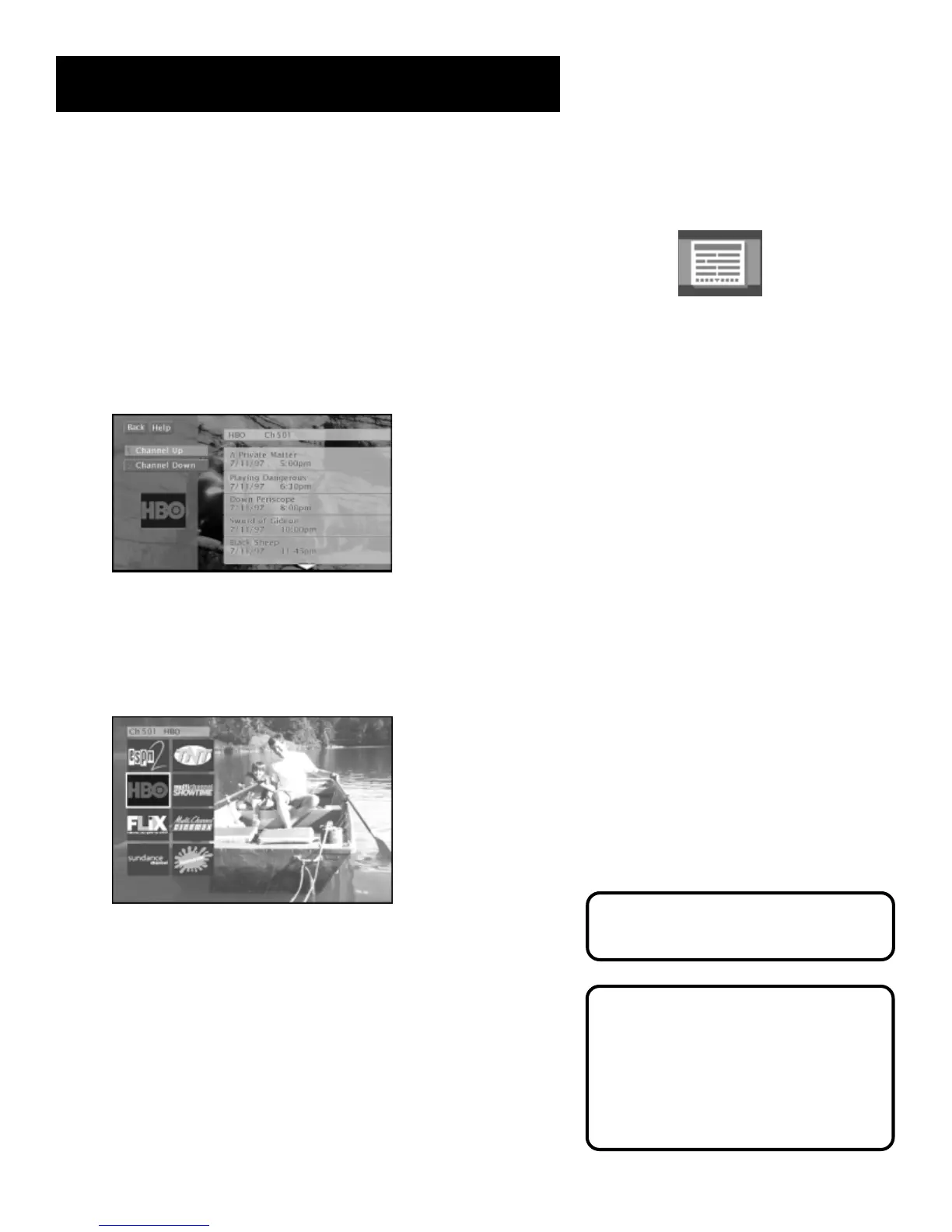
The Channel Guide
Displays the programming schedule for the selected channel.
Scroll up and down to see programming information for
the selected channel.
The Logo Guide
Displays channel logos for the current user’s channel list.
The Logo Guide.
Exiting A Program Guide
There are three ways to exit a guide
(not all methods work in all guides):
• Point to a channel and press OK.
• Point to Back and press OK.
• Press CLEAR or GO BACK on the
remote control.
You can point to any program and
tune to it or get more information.
Just press the OK or INFO buttons.



 To Next Page