24
VCR Basics
MUTE Reduces volume to minimum level.
Numbers (0 through 9) Select a channel up to 99 by pressing
two numbers. Select a cable channel over 99 by pressing and
holding 1 until 1 – – appears on the screen. Then press the other
two numbers.
ON•OFF Turns a compatible TV off and on.
VOL Up and Down Raises and lowers sound of TV.
Playing a Tape
1. Tune the TV to your VCR viewing channel (3, 4, or TV’s
video input).
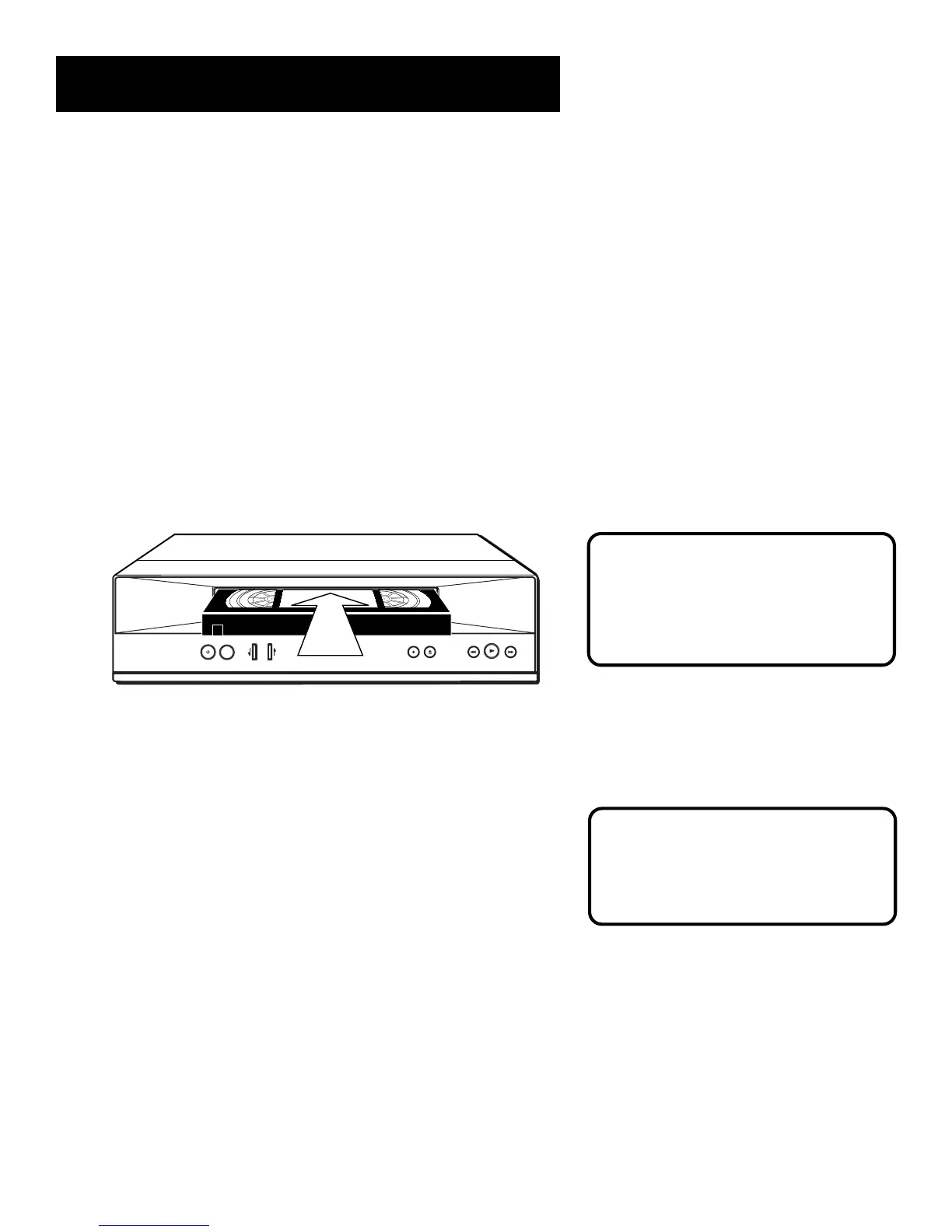
2. Insert a tape in the VCR.
TRACKING
POWER
TV•VCR
CHANNEL
RECORD
STOP•EJECT
REW
FWD
P
L
A
Y
P
A
U
S
E
If the Auto Play feature is set to ON, the tape automatically
begins playback (if the safety tab on the cassette is removed).
• Press FWD or REV (FORWARD or REVERSE on remote) to
position the tape.
• Press PLAY•PAUSE (if necessary) on the VCR (PLAY on remote)
to begin tape play.
• Press PLAY•PAUSE (PAUSE on remote) for stop action.
• Press TRACKING up or down to remove any streaks from the
picture, if necessary.
• Press STOP•EJECT on VCR (STOP on remote) to stop playback.
Pause
If you pause, the VCR automatically
switches from pause to stop after a
few minutes to reduce tape wear.
If you have trouble getting a picture
on the screen, see “How to Find Your
TV’s Video Input Channel” or
“Troubleshooting.” Both are located in
the References section ofthis manual..



 To Next Page