25
VCR BASICs
Automatic Rewind
The VCR automatically rewinds the tape if it reaches the end of
the tape during playback. While rewinding, you can press
POWER and the VCR will turn off after rewinding.
Tape Eject
Press STOP•EJECT on the VCR (STOP on remote) when it is
stopped to eject the tape.
Recording
If you want to record something that you’re watching, you can
use basic recording. For more detailed information, refer to the
next section of the manual, Recording.
1. Set the tape speed by pressing the SPEED button on the
remote (see “Tape Speed” in Setting Up the VCR section for
information about tape speed settings).
2. Press the RECORD button to begin recording.
3. Press STOP to stop recording.
If you just want to pause the recording for a short time
(such as during a commercial), press PAUSE instead of STOP.
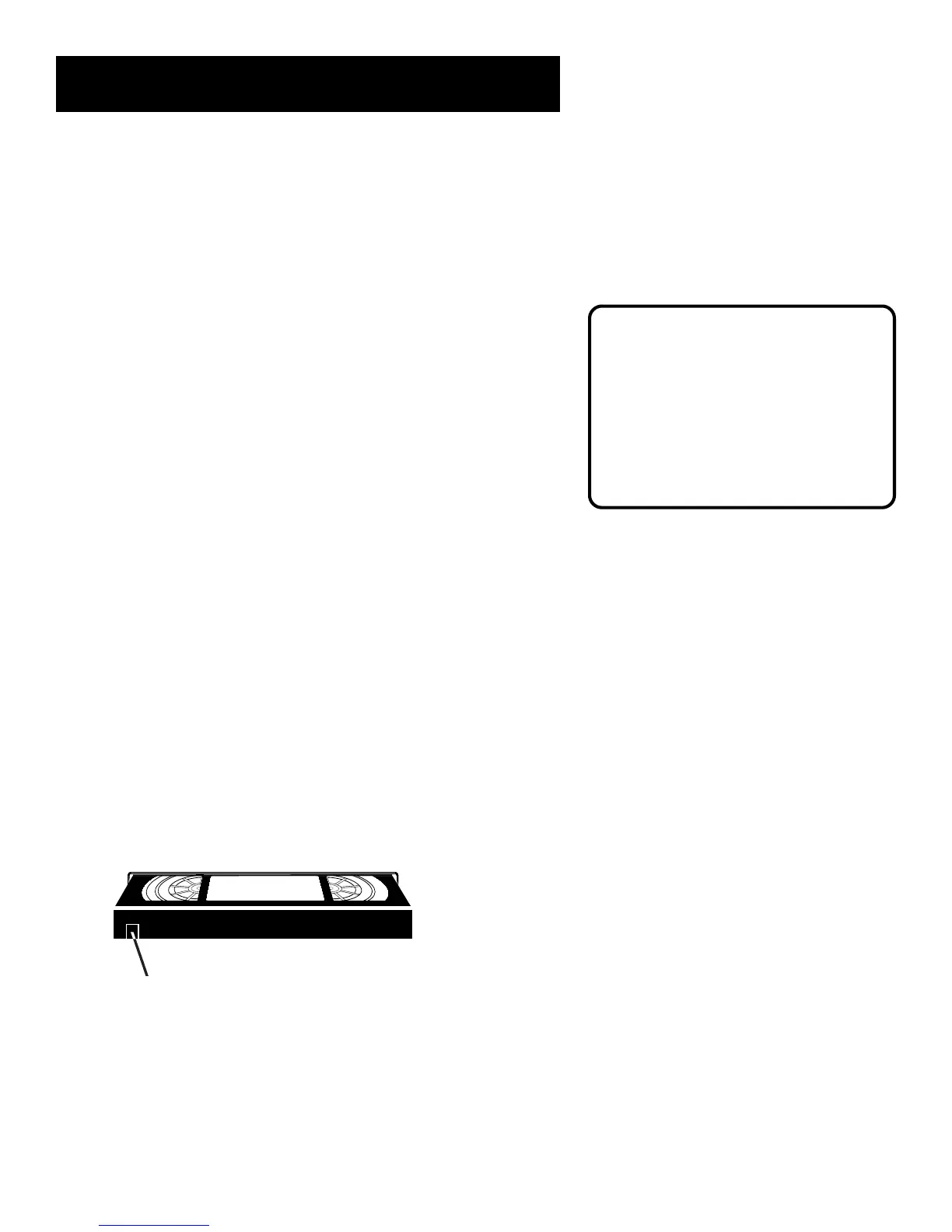
Check the Safety Tab
No matter which recording option you use, you need to make
sure there is a tape in the VCR, and that the tape’s safety tab is in
place. You cannot record on a tape with the safety tab removed.
Safety Tab
If the safety tab is removed and you want to record over it,
simply cover the hole with vinyl tape.
Automatic Tracking
The VCR has automatic tracking
which adjusts the picture when
playing back a tape recorded on
another VCR. Automatic tracking is
turned on whenever a tape is
inserted or the VCR’s power is
turned on.



 To Next Page