%*(*5"-*/$6#"503
4<
6. Product Information
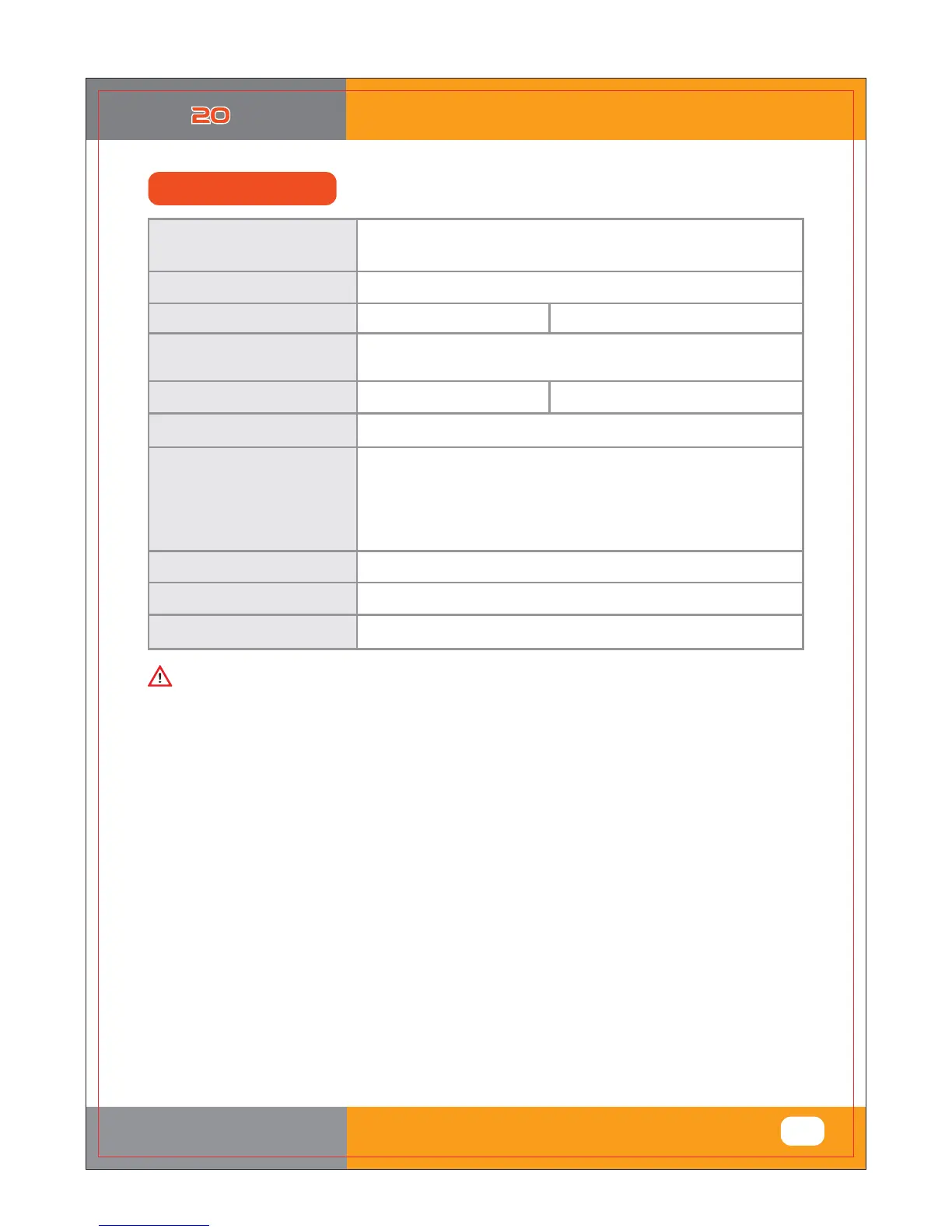
(3) Specification
1-1 NAME : Rcom MAX 20
1-2 MODEL NO. : MX-20
Specification
Egg-Turning Interval
Temp. limits
Working Temperature
Ideal:20 ~ 25[Q Min. 15[Q / Max. 30[Q
Power
Humidity Limits
Power Consumption
20.0 ~ 42.0[Q
AC 100 ~ 120[V], 50/60[Hz]
AC 220 ~ 240[V], 50/60[Hz]
20 ~ 70[%]
( It can be changed according to the conditions )
Various according to the tray
Capacity
Net Weight
Size
4.35[kg]
Fuse Standard
250[V] 2.0[A] (ಸ520[mm])
(W)500@410<160 [mm]
Average. 48[W] MAX. 65[W]
For all size egg
Small
Standard
Large
:
:
:
:
:
:
:
:
Various sized egg incubation is
available
52 [EA] ( Quail egg size )
20 [EA] ( Chick egg size )
10 [EA] ( Goose egg size )
(Included)
(option)
(option)
(option)
Universal tray
Small egg tray
Standard egg tray
Large egg tray
Ě Register your product Serial No. on our website for free 2 years gurantee.
Ě Refer to website for how to register. (Free 1 years gurantee in case not registerd.)
You will be asking for service charge if you are in below cases.
1. Broken or Problem caused by ‘No cleaning’ or ‘Improper handling’
2. Broken or problem caused by ‘Not using distilled water’
3. Broken or problem caused by ‘Trying Bird hatching in incubator’
(Please don’t try bird hatching in incubator. Please use Hatcher during bird hatching.)
4. Broken or problem caused by ‘Wrong controling(Using)’
5. Broken or Problem caused by using the machine out of User’s Manual.
6. Broken or problem caused by ‘Customer’s mistake or fault’
※ Product Registration Procedures
If you are a new member of Rcom, you need to log in our website at www.Rcom.co.kr
1. Click “SIGN UP” on top of the right corner.
2. Fill out the information on the blanks.
If you already registered your information on the Rcom website, please log in to
www.Rcom.co.kr.
1. Click “Login” on top of the right corner.
2. Select “Customer” and click “Register Products”.
3. Fill out the information on the blanks.
You will need below information to register on our website.
1. Your name
2. Your (home/company) address & Email address, country
3. Your product(model) name & Serial number
4. Date of purchase & Name of purchased shop you bought from













 To Next Page