%*(*5"-*/$6#"503
How to use Rcom USB 50 / Rcom PRO 50
55
Contents
Introduction
Before use
Function Settings
Other Functions
1. Introduction
(2) Safety Precautions
)
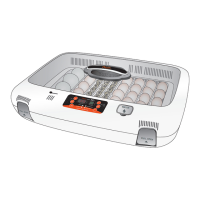
(1) Rcom 50 Introduction
(
(3) Identification of Parts
*
(5) Function of Digital Control & How to Operate
,
(6) SET UP(Other Functions) / Easy Function Operation
-
+
(4) Basic Components
4. Other Functions
(1)
Egg Turning Check / Alarm for water supplement /
Abnormal High or Low temperatue Alarm / Power Failure Alarm Function
%-
3. Function Settings
(2) Incubation start with Manual Mode
%(r%)
(1) Incubation Modes / Incubation start with Automatic Mode
%'
(3) Incubation start for Other Birds
%*
Incubation Termination / Change Cels.& Fahr. /
Return to Factory Setting
%+
(6)
Incubation conditions reset / How to Set Egg Turning Test /
How to Set Turn ON, OFF Humidification Function
%,
%+
(4) Incubation start with PC connection Mode
2. Before use
(2)
What is an incubation room? / Preparation for Incubation
%%r%&
(1) How to Assemble the Incubator / Egg-Turning plate
%$
(5)
USA & Canada Official Sales & Service https://www.R-Com-Hatcher.com
Egg Incubator Hatcher Rcom USB and Pro 50 User Manual



 To Next Page