DCN: 140-02034-03 Page 12
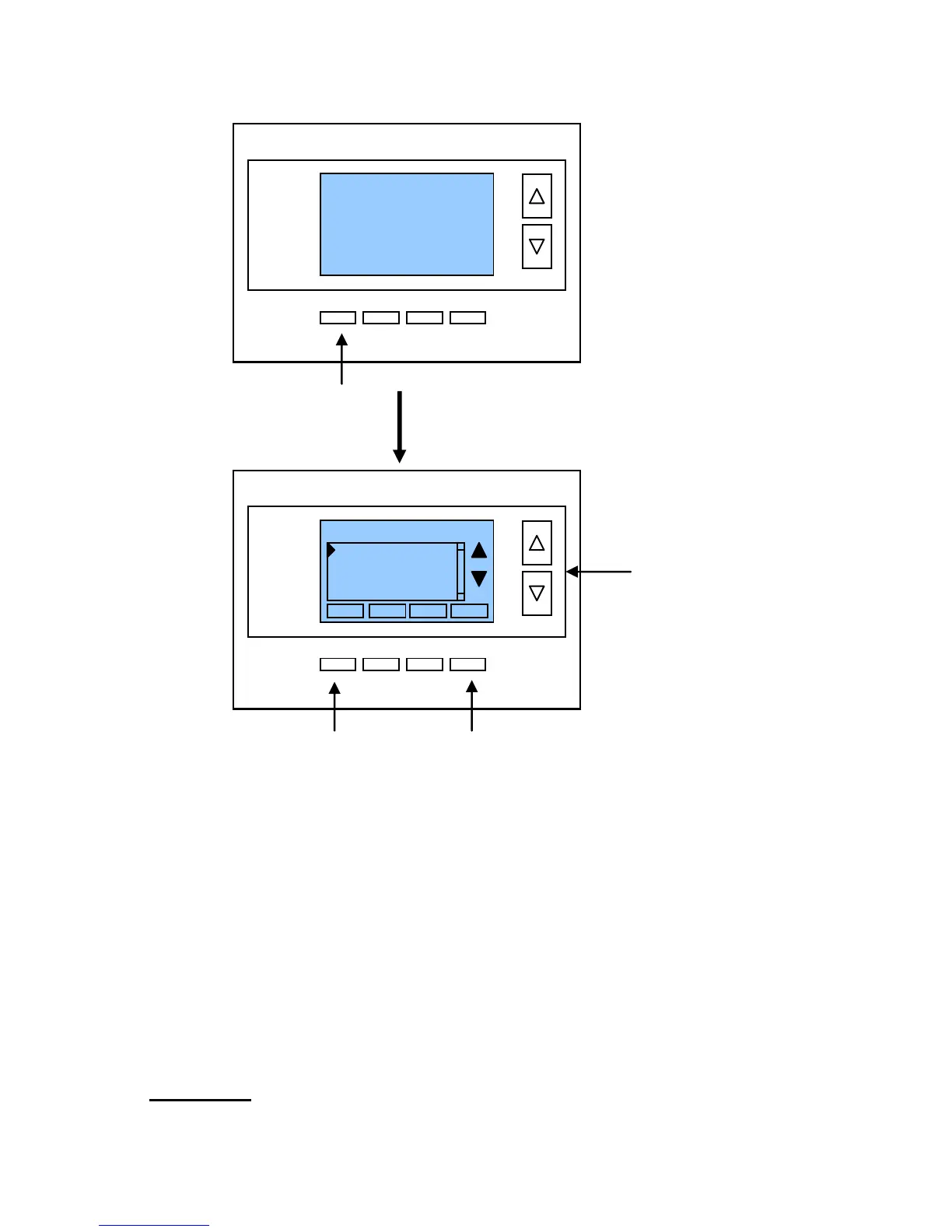
Menu Selection
Main Menu Items
User Settings > set various user preferences
Away Setpoints > show and set the heating and cooling setback setpoints
ZWave Install > ZWave installation
Thermostat Info > displays thermostat setup info
User Settings menu items
Filter Service > go to the filter timer setup screen
Maint Service > go to the maintenance timer setup screen
Screen Timeout > sets the time in seconds to switch to the minimized screen
F/C Settings > go to the F/C mode selection screen
Sensor Calibration > go to the sensor calibration screen
Backlight/Display > go to the backlight and display setup screen
Filter Service: Go to the Filter Service Screen. Sets/resets the filter timer/alert.
Shows filter runtime in hours and the service interval alert in hours (typically 300 hrs)
Change the service interval with the +/- buttons.
Reset the service alert after you have changed the filter.


 To Next Page