DCN: 140-02034-03 Page 14
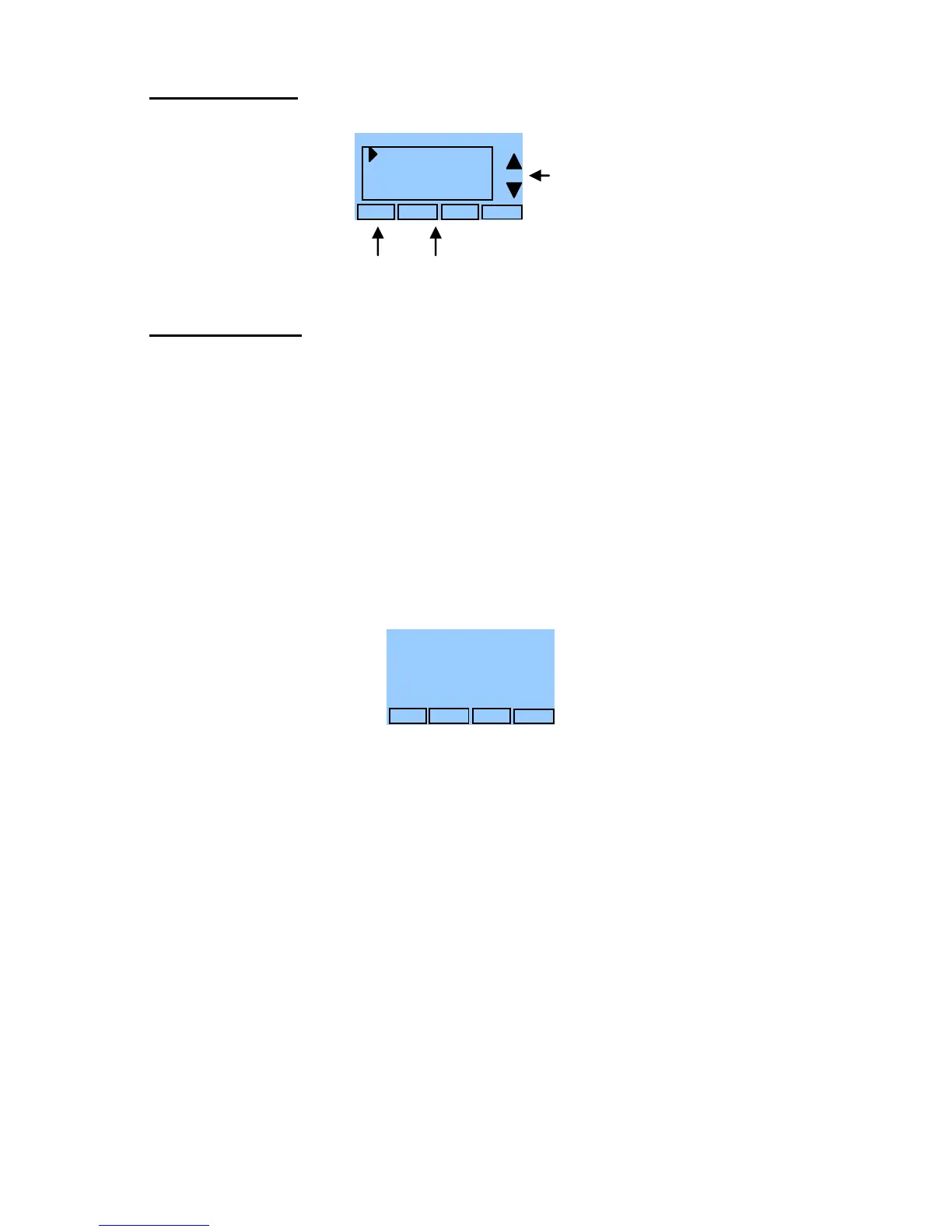
Away Setpoints
Away setpoints are used when the thermostat is set to the setback or away mode.
Thermostat Info
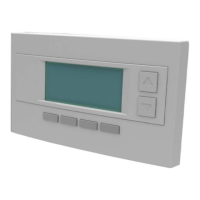
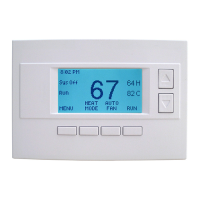
The Thermostat Info screen displays the current configuration of the Z-WAVE Thermostat.
This information is useful for quick check of firmware versions and HVAC system setup. It
also shows the ZWave network setting.
Thermostat information displayed is:
Thermostat - Model and firmware version number.
Z-Wave Settings – ZWave Firmware version, ZWave Node ID, ZWave Home ID
System Type - Standard or Heat Pump HVAC system
Fan Type – if HVAC type = Standard: Gas or Elect
OR
Changeover – if HVAC type = Heat Pump: Changeover with cool or changeover
with heat.
Thermostat Info Screen
Thermostat Operation
Minimum Run Time (MRT)
The thermostat has a Minimum Run Time after the start of any heating or cooling call.
This minimum run time assures even heating and cooling cycles. The MRT delay will keep
the system on even if reaches setpoint or you change the setpoint to a temperature that
would satisfy the call, until the MRT expires. Changing the Mode to OFF will cancel the
MRT and the system will turn off immediately. The MRT can be adjusted in the Installer
Settings menu of the thermostat.
Note: The MRT status is shown in the thermostat System Status on-screen labels.
Minimum Off Time (MOT)
The thermostat has a Minimum Off Time after any heating or cooling call is finished. This
delay prevents rapid heating/cooling cycles and also provides “short cycle protection” for
compressor calls. This delay may be noticeable when you change a setpoint and it does
not respond immediately due to another call that has recently completed and the MOT
delay timer is preventing the system from restarting. The MOT delay time can be adjusted
in the Installer Settings menu of the thermostat. There is a minimum of 5 minutes delay to
assure compressor protection.
Note: The MOT status is shown in the thermostat System Status on-screen labels.
Press and Hold Setup button
to enter Mechanical Settings
screen. NOTE: For qualified
service personnel only, see
Page 3 of Installation Guide.


 To Next Page