12.4 Hide Characters from End Position
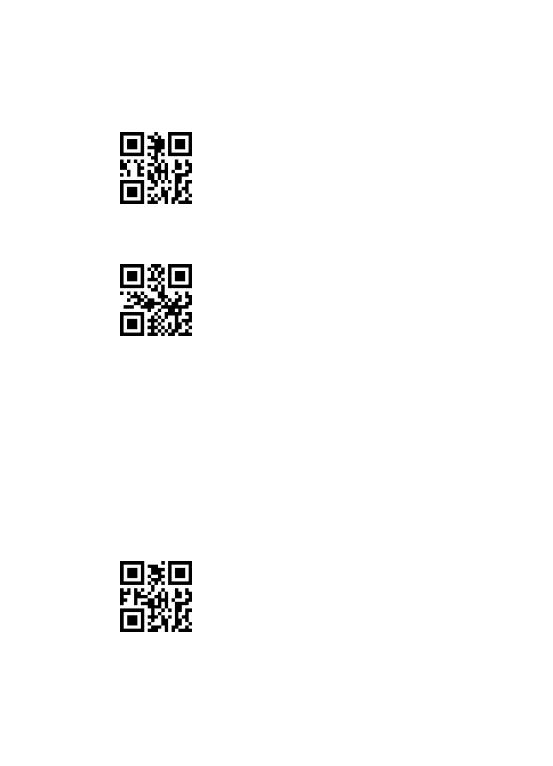
First step:Scan the set-up code”ON”.
Second step:Scan ”Hide characters from End Position”.
Hide characters from End Position
Third step:Scan the number setting code corresponding to the character on page
29(each character is 3 digits).
E.g. The bar code content is”123456789”,if you want to hide the last three
characters,then scan”0”,”0”,”3”settings code on page 29,then the last three
characters will be hidden when scanning this bar code,”123456”will be shown.
Note : To reinstate the hidden ending characters, scan the code below:
Reinstate ending character



 To Next Page