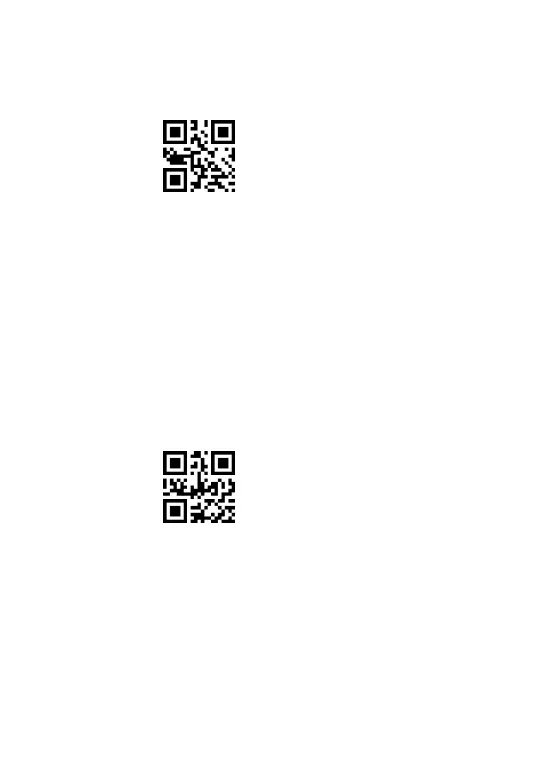
** Scan the following codes to set the scanner to Continuous Scanning Mode.
Continuous Scanning Mode
1.3. Auto-Sensing Mode
There’s no need to click the trigger under the Auto-sensing Mode. Just move the
barcodes in front of the scanner, a green light band will show up to read the barcode.
The green light band will go off once the scanner scans barcode successfully or pre-set
timeout expires.
** Scan the following codes to set the scanner to Auto-sensing Mode .
Auto-sensing Mode



 To Next Page