EasyManua.ls Logo

Realistic PRO-2001 - Sample Search and Birdies

Realistic PRO-2001
21 pages
Print Icon
To Next Page IconTo Next Page
To Previous Page IconTo Previous Page
Loading...
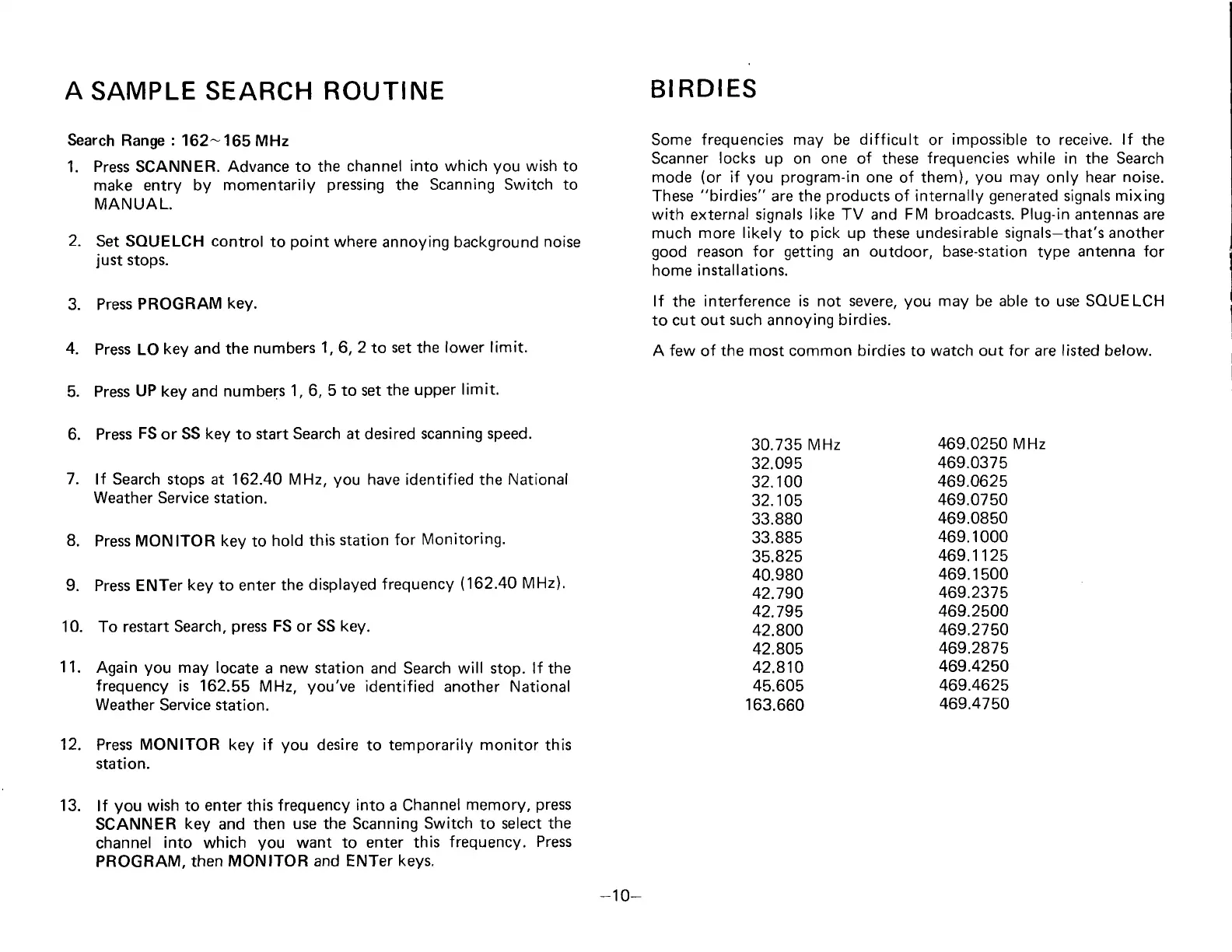
A
SAMPLE
SEARCH
Search
Range
:
162- 165
MHz
1.
Press
SCANNER.
Advance to
make
entry by momentarily
MANUAL.
ROUTI
NE
the
channel
into which
you
wish to
pressing
the
Scanning Switch to
BIRDIES
Some frequencies may be
difficult
or
impossible
to receive.
lf
the
Scanner
locks
up on one of
these
frequencies
while in the Search
mode
(or
if
you
program-in
one
of them),
you
may
only
hear
noise.
These
"birdies"
are the
products
of
internally
generated
signals
mixing
with
external
signals like TV and FM broadcasts.
Plug-in
antennas are
much
more likely
to
pick
up these
undesirable
signals-that's
another
good
reason
for
getting
an
outdoor,
base-station type
antenna for
home installations.
lf
the
interference is not
severe,
you
may
be
able
to use SOUELCH
to cut out
such
annoying
birdies.
A
few
of
the
most common
birdies
to
watch out for
are
listed below.
5.
6.
7.
2.
Set SOUELCH control
to
point
where
annoying background
noise
just
stops.
3. Press
PROGRAM
key.
4.
Press LO
key and the
numbers
1,6,2
to
set
the
lower limit.
Press
UP
key and numbers
1,6,
5 to set
the upper
limit.
Press
FS
or SS
key
to
start
Search
at
desired
scanning speed.
ff Search stops at 162.40
MHz,
you
have identified the National
Weather Service station.
8.
Press MONITOR kev
to
hold
this
station for
Monitoring.
Press ENTer
key
to enter
the
displayed
frequency
(162'40
MHz)'
To restart
Search,
press
FS
or
SS key.
Again
you
may locate
a
new station
and Search will stop. lf the
frequency is
162.55
MHz,
you've
identified another National
Weather
Service
station.
Press
MONITOR
key if
you
desire
to
temporarily monitor
this
station.
lf
you
wish to
enter
this
frequency
into
a Channel
memory,
press
SCANNER
key
and
then
use the
Scanning
Switch
to
select the
channel
into which
you
want
to enter this
frequency.
Press
PROGRAM,
then
MONITOR and ENTer
keys.
9.
10.
't
1.
30.735
MHz
32.095
32.100
32.1 05
33.880
33.885
35.825
40.980
42.790
42.795
42.800
42.805
42.810
45.605
163.660
469.0250
MHz
469.0375
469.0625
469.0750
469.0850
469.1
000
469.1125
469.1
500
469.2375
469.2500
469.2750
469.2875
469.4250
469.4625
469.4750
12.
13.
-10-

Related product manuals