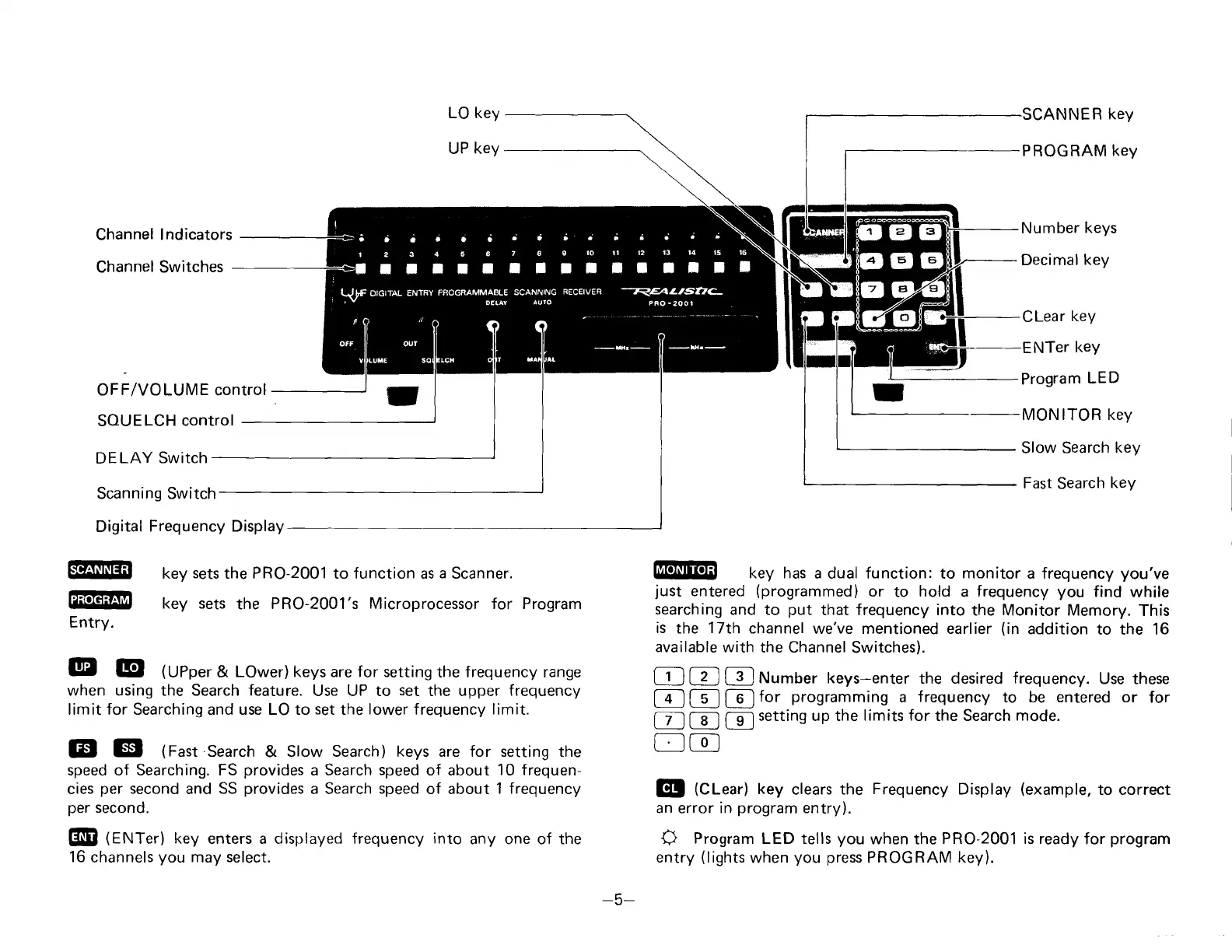
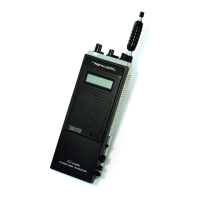
LO key
UP
key
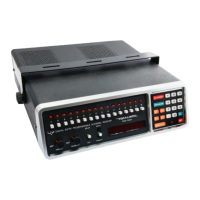
Channel lndicators
Channel Switches
OFF/VOLUME control
SOUELCH
control
DELAY
Switch
Scanning Switch
Frequency Display
key
sets
the PRO-2001 to function as
a
Scanner.
key sets
the
PRO-2001's Microprocessor for Program
@
El
(UPper
&
LOwer) keys are for setting
the frequency range
when using the Search feature.
Use UP to
set
the upper
freguency
limit for Searching and use LO to
set
the
lower
frequency
limit.
EE!
GE|
(Fast
Search
& Slow
Search) keys are for setting the
speed of Searching. FS
provides
a Search
speed
of about
10
frequen-
cies
per
second
and
SS
provides
a Search
speed
of about
1 frequency
per
second.
6B
(eruf.r)
key enters a displayed frequency
into
any one of the
16
channels
you
may
select.
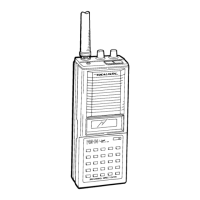
NNER
key
-PROGRAM
keY
Number
keys
Decimal
key
Clear
key
ENTer
key
Program
LED
-MONITOR
key
Slow Search
key
Fast
Search
key
EEEE
key has
a dual function: to monitor a frequency
you've
just
entered
(programmed)
or
to
hold
a
frequency
you
find
while
searching
and to
put
that frequency into
the Monitor Memory.
This
is
the
17th
channel
we've mentioned earlier
(in
addition
to the 16
available
with the Channel
Switches).
[
3
lNumber keys-enter
the desired
frequency.
Use these
[-el
for
programming
a
frequency
to be entered or
for
Iga
setting up the limits
for
the Search
mode.
G!
(Ct-.tr)
key
clears
the
Frequency
Display
(example,
to correct
an error in
program
entry).
+
Program
LED tells
you
when the
PR0-2001 is ready
for
program
entry
(lights
when
you press
PROGRAM
key).
tr_l
@
E
tI
@
@
@
@
Digital
@
@
Entry.
-5-


 To Next Page