EasyManua.ls Logo

Realistic PRO-2001 - Programming and Monitor Key

Realistic PRO-2001
21 pages
Print Icon
To Next Page IconTo Next Page
To Previous Page IconTo Previous Page
Loading...
MORE
ON
PROGRAMMING
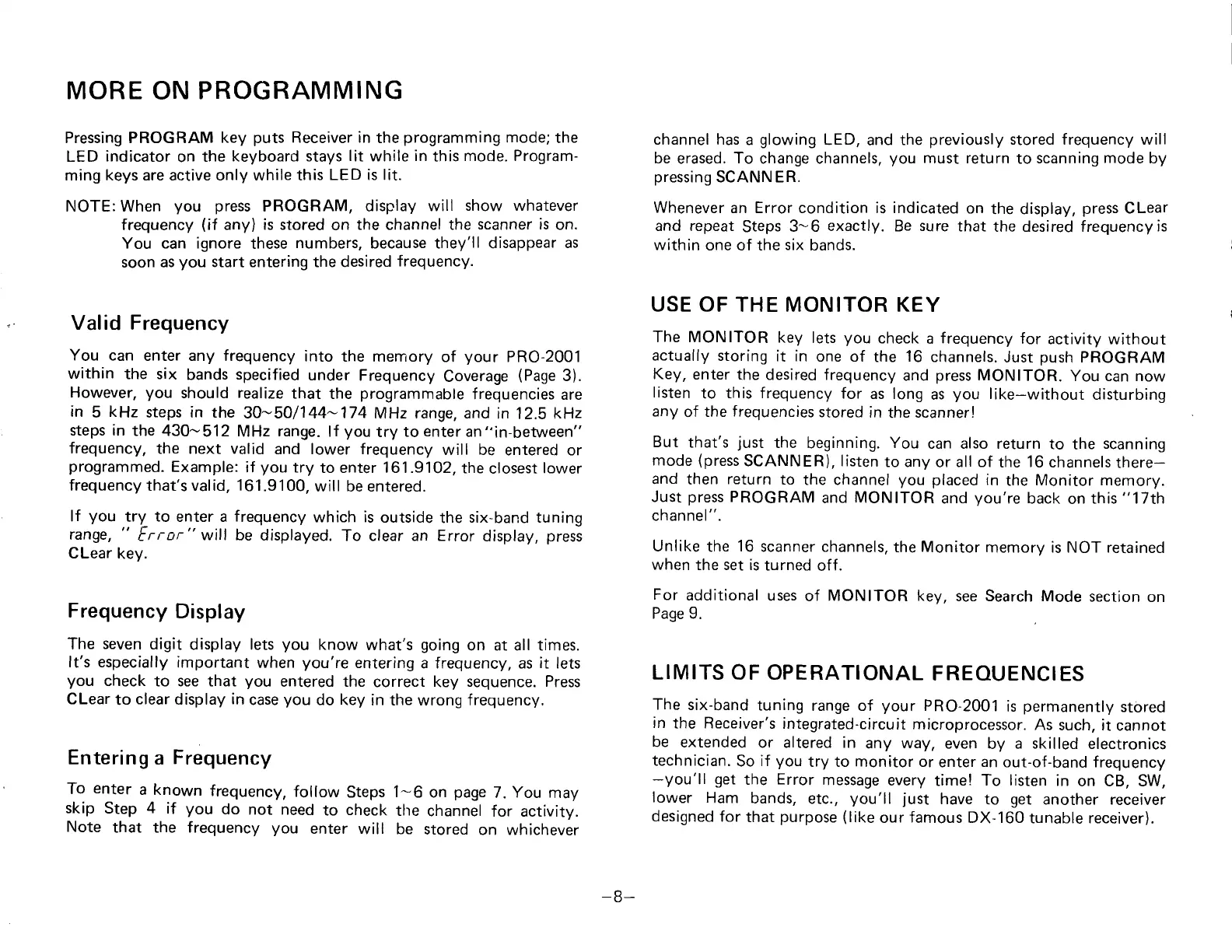
Pressing PROGRAM
key
puts
Receiver in
the
programming
mode;
the
LED
indicator
on
the
keyboard stays
lit
while
in
this
mode. Program-
ming keys are active only while this
LED is lit.
NOTE: When
you
press
PROGRAM, display
will
show whatever
frequency
(if
any) is stored
on
the channel the
scanner is
on.
You can ignore
these
numbers,
because they'll disappear
as
soon as
you
start entering the desired
frequency.
Valid Frequency
You can
enter any frequency
into the memory
of
your
PRO-2001
within
the six
bands
specified
under
Frequency
Coverage
(Page
3).
However,
you
should
realize
that
the
programmable
frequencies
are
in
5
kHz
steps in the
30-501144-174 MHz range, and
in 12.5 k1z
steps in
the 430-512
MHz
range.
lf
you
try
to
enter
an"in-between"
frequency,
the next valid
and lower frequency
will be
entered or
programmed.
Example:
if
you
try
to enter 161.9102,
the
closest
lower
frequency
that's valid,
161.9100,
will be entered.
lf
you
try
to
enter a
frequency
which is
outside
the
six-band tuning
range,
"
Error
"
will
be displayed.
To clear an Error
display,
press
CLear
key.
Frequency
Display
The
seven
digit
display lets
you
know
what's
going
on at all times.
It's especially
important
when
you're
entering
a frequency, as
it
lets
you
check
to see that
you
entered the
correct key
sequence. Press
CLear
to
clear
display
in
case
you
do key
in the wrong frequency,
Entenng
a
l-requency
To
enter
a known
frequency,
follow
Steps
1-6
on
page
7.
you
may
skip Step
4
if
you
do
not need
to
check
tlre
channel
for activity.
Note
that the frequency
you
enter
will be
stored
on whichever
channel has
a
glowing
LED,
and
the
previously
stored frequency will
be
erased.
To
change channels,
you
must return
to
scanning
mode
by
pressing
SCANN ER.
Whenever
an Error condition is indicated
on
the display,
press
CLear
and repeat
Steps
3-6
exactly.
Be
sure
that
the desired frequency
is
within
one of the
six
bands.
USE OF
THE
MONITOR KEY
The MONITOR
key
lets
you
check
a
frequency
for
activity
without
actually
storing
it in
one of
the
16
channels.
Just
push
PROGRAM
Key,
enter
the desired frequency
and
press
MONITOR.
You can now
listen
to
this frequency
for
as long
as
you
like-without
disturbing
any
of
the
frequencies
stored
in
the
scanner!
But
that's
just
the
beginning.
You
can also return
to
the
scanning
mode
(press
SCANNER), listen
to any
or
all of
the
16
channels
there-
and
then
return
to
the channel
you
placed
in
the
Monitor memory.
Just
press
PROGRAM
and
MONITOR
and
you're
back
on
this
"17th
channel
".
Unlike
the
16
scanner channels,
the Monitor
memory is NOT retained
when
the set is
turned
off.
For
additional
uses
of
MONITOR key,
see Search
Mode section
on
Page 9.
LIMITS
OF OPERATIONAL
FREOUENCIES
The
six-band
tuning
range of
your
PR0-2001
is
permanently
stored
in
the
Receiver's
integrated-circuit
microprocessor.
As
such, it
cannot
be
extended
or altered in
any
way,
even
by
a skilled
electronics
technician.
So
if
you
try to monitor or
enter
an
out-of-band frequency
-you'll
get
the
Error
message
every
time!
To listen
in
on CB, SW,
lower
Ham
bands,
etc.,
you'll
just
have
to
get
another receiver
designed
for
that
purpose
(like
our
famous
DX-160
tunable receiver).
-B-

Related product manuals