EasyManua.ls Logo

Realistic PRO-2023 - CONNECTING TO POWER; CONNECTING HEADPHONES

Realistic PRO-2023
23 pages
Print Icon
To Next Page IconTo Next Page
To Previous Page IconTo Previous Page
Loading...
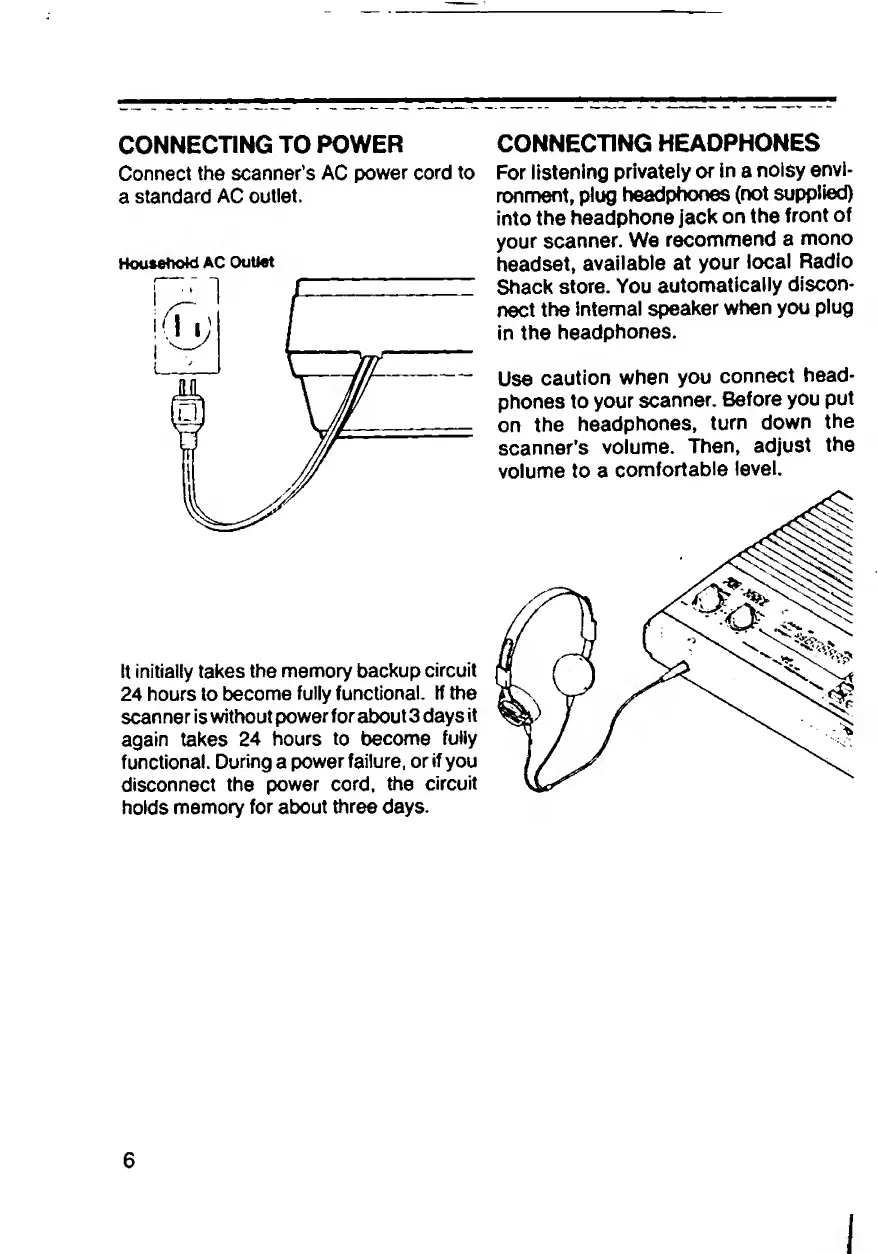
CONNECTING
TO
POWER
Connect
the
scanner’s
AC
power
cord
to
a
standard
AC
outlet.
Household
AC
Outlet
tt
initially
takes
the
memory
backup
circuit
24
hours
to
become
fully
functional.
If
the
scanner
is
without
power
for
about
3
days
it
again
takes
24
hours
to
become
fully
functional.
During
a
power
failure,
or
if
you
disconnect
the
power
cord,
the
circuit
holds
memory
for
about
three
days.
CONNECTING
HEADPHONES
For
listening
privately
or
in
a
noisy
envi¬
ronment,
plug
headphones
(not
supplied)
into
the
headphone
jack
on
the
front
of
your
scanner.
We
recommend
a
mono
headset,
available
at
your
local
Radio
Shack
store.
You
automatically
discon¬
nect
the
internal
speaker
when
you
plug
in
the
headphones.
Use
caution
when
you
connect
head¬
phones
to
your
scanner.
Before
you
put
on
the
headphones,
turn
down
the
scanner's
volume.
Then,
adjust
the
volume
to
a
comfortable
level.
6
I

Related product manuals