Notesi
lf
you
selecta
bank lhat conta ns an
emPty
channel, its
corresponding
bank
letter
slops
ilash
ng.
Jf
you
select
a
bank
that does
not
conlain any empty channels. lhe
scannef beeps
lwice
soltly, FULL
lashes
on lhe display,
and
the
selected bank
letter
contrnues to
flash. To
enler
new frequencies lnto
th s bank,
you
must
eiiher:
-
Move one ot mofe frequenc es
trom the fu I bank lo a channel in
anoiher bank,
then
repeal Step 6.
See
"lVoving Stored Frequenc
es
to Oiher Channels."
-
Delete one
oT
firore treqLlencies
stored
in the lu lbank, then repeat
quenc
es,
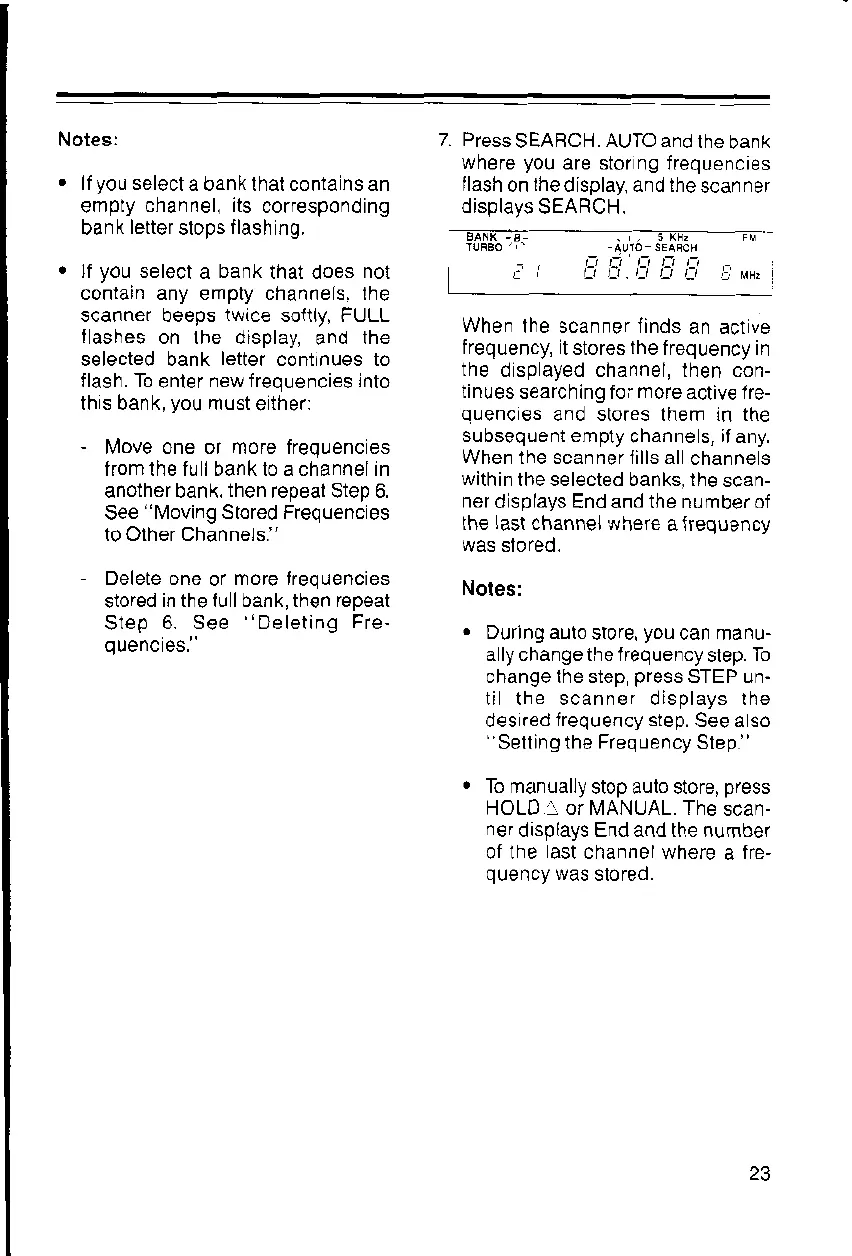
7. Press
SEABCH.
AUTO and
lhe
bank
where
you
are stor ng frequencies
llash
on
the
display, and the
scanner
displays
SEARCH.
r-i ti L-i it L-i
I
MHt
When
lhe scanner linds
an act
ve
frequency, itstores the
frequency in
the
dspayed channel, lhen con-
tinues
searching foi
mote
activ€ 1re-
auenc€s and stores lhem in the
subsequent emply
channe s,
if
any.
When the scanner iills all
channe s
within
the selected banks, lhe
scan-
ner
d splays End and the number of
the
lasl
channel,,r,,here
a
jrequency
was sloreo.
Notes:
.
During auio
sbre,
you
can manu-
a lychangeihelfequency
slep.
To
changethe step
press
STEP un-
ti the scanner displays lhe
des
red irequency step.
See a so
''Selling
the Frequency
Slep
"
.
To manually
stop aulo store,
press
HOLD
-
or MANUAL. The
scan-
ner
displays End and the number
ot the ast channel where
a
fre,
quency
was
slored.



 To Next Page