EasyManua.ls Logo

Realistic PRO-2036 - Table of Contents

Realistic PRO-2036
44 pages
Print Icon
To Next Page IconTo Next Page
To Previous Page IconTo Previous Page
Loading...
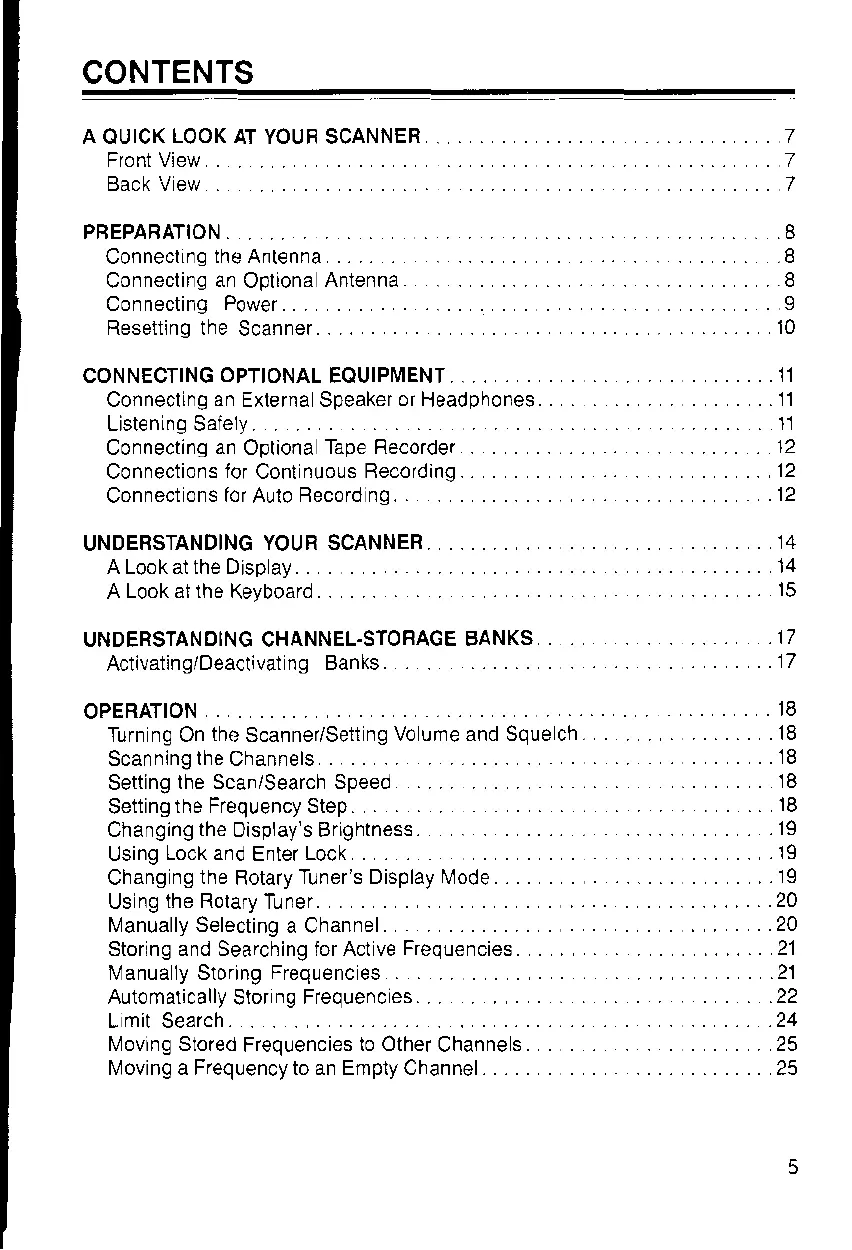
CONTENTS
A OUICK
LOOK
AT YOUF SCANNER
E,onr
Vio,
Back V ew
PBEPARATION. .. .. .8
ConneclLng
the Ant€nna .. ..
..
.8
Connecling
an
Opliona
Antenna .. .. 8
Connecting
Power..
.. ..
I
Reseiting the
Scanner..
..
.. .. . 10
CONNECTING
OPTIONAL
EQUIPIIIENT..
......11
Connecling
an
Externa Speaker
or
Headphones
. . .. ..11
Listening Saiely.
.. .. .. .. .. 11
12
Connections
ior
Conl
nuols Recording.. ..
12
Connect
ons for
Aulo
Record ng.
. . 12
Connecting
an
Opliona
Tape Recordel
UNDERSTANDING
YOUR SCANNER
UNDERSTANOING CHANNEL.STOFAGE
BANKS
Activating/Deactivat
ng Banks.
Changing
the
Display's Brightness
OPERATION
.. .I8
Turn ng On
the
scanner/Sett
ng Vo unre and Squech.
...... .18
ScanninglheChannels
....
Setting
lhe Scan/Search Speed
Setting
the Freqlency Step.
18
A Look at the Display . .
....14
A
Look at the
Keyboard
15
17
17
18
Using
Lock and
Enter
Lock ... ..
.19
ChangngtheRotaryTuner'sDisplay,lode..
.... .
.lg
Us
ng the Rolafy
Tuner
..
..........20
I\4anually Selecting
a Channel.
. .20
Storing and Searching for Act ve
Frequencies.
......21
l\4anua ly Storing
Frequenc
es
.21
Automalically
Stor
n9
Frequencies. .
.22
L
mit
Search.
. . .24
[,4oving Siored
Frequencies
to Other
Channe
s . 25
I\,4oving a Frequency to an Emply Channel. ............25

Related product manuals