'
The
antenna shou d be vertical
for
the
best
performance.
To conneci an optionai anlen
na,
always
use 50-ohm coaxial cable, such as
RG.58
or BG-8. For lengths over 15m
(50
ieel),
use
RG-8
low-loss dielectr
c
coaxia
cable,
lJ
the coaxialcable's
con-
nector does not fit in the ANTjack,
you
might
also
need
a
PL-259-to-BNC an-
tenna
plug
adapter
(not
supplied) Your
local
Tandy/Radio Shack siore carries
a
wide
variety
ol
coaxial
anlenna
cable
and
connectors.
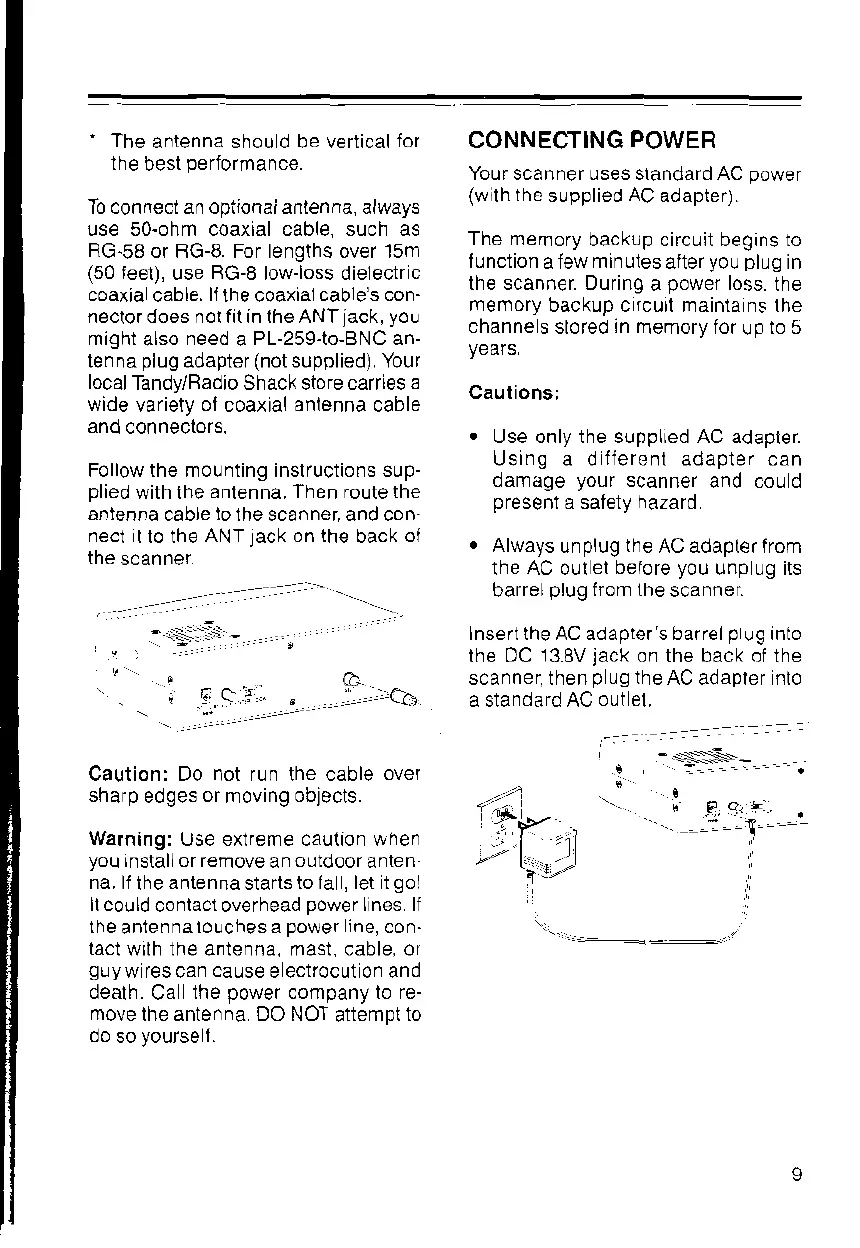
Follow the moLrnting inslructions sup-
plied
with ihe
antenna. Then foute the
antenrra
cable
lolhe
scanner, and con-
nect
I lo the
ANT
lack
on the
back
of
the
scanner
CONNECTING
POWER
Your scanner uses slandard AC
power
(wilh the
supplied
AC
adapter).
The mernory
backup circuit beQins to
lunction
a lew
minutes
aiter
you plug
in
the scanner. DurinO
a
power
loss.
the
memory
backup c
rcurl
mainta ns lhe
channe
s sloted
!n
memory for
\rp
to 5
years
Cautionsl
.
Use only the supplled AC adapler.
Using a d
iierent
adapter can
damage
your
scanner
and cou d
presenl
a saiety
hazard
.
Always
unplug
the
AC adapt€r from
the AC out
et before
you
unp ug its
barrel
plug
fiom the
scanner.
Insert the AC adapier's barrel
p
!g
into
lhe DC
13.8V
jack
on the back of the
scanner then
p
ug the
Ac adapter nlo
a standafd AC
out el.
c
i
.6.c?,..
"
..].....:.ei:
-
.::' """
-ES:-=--.
Caution: Do not run the cable
over
sharp
edges
or
moving
objects.
Warning:
Use exlrerne caution when
you
lnstallor remove
an
outdoor
anten
na. lf
the
antenna
starts
to la
,
let t
gol
ll could
conlacl overhead
power
I nes ll
the
anlenna
lo!ch9s a
po\rer
jne,
con-
tact
wrlh the artenna, mast, cable, or
g!yw
Tescan
cause
e ectrocut on and
dealh.
Ca
the
power
company lo re-
move
lhe antenna DO NOT
altempt
to
.:=:'l
ti"-
,
.r.t
?1
"'"
\,;r
-...
_-:
--I----













 To Next Page