20
B. Profile page
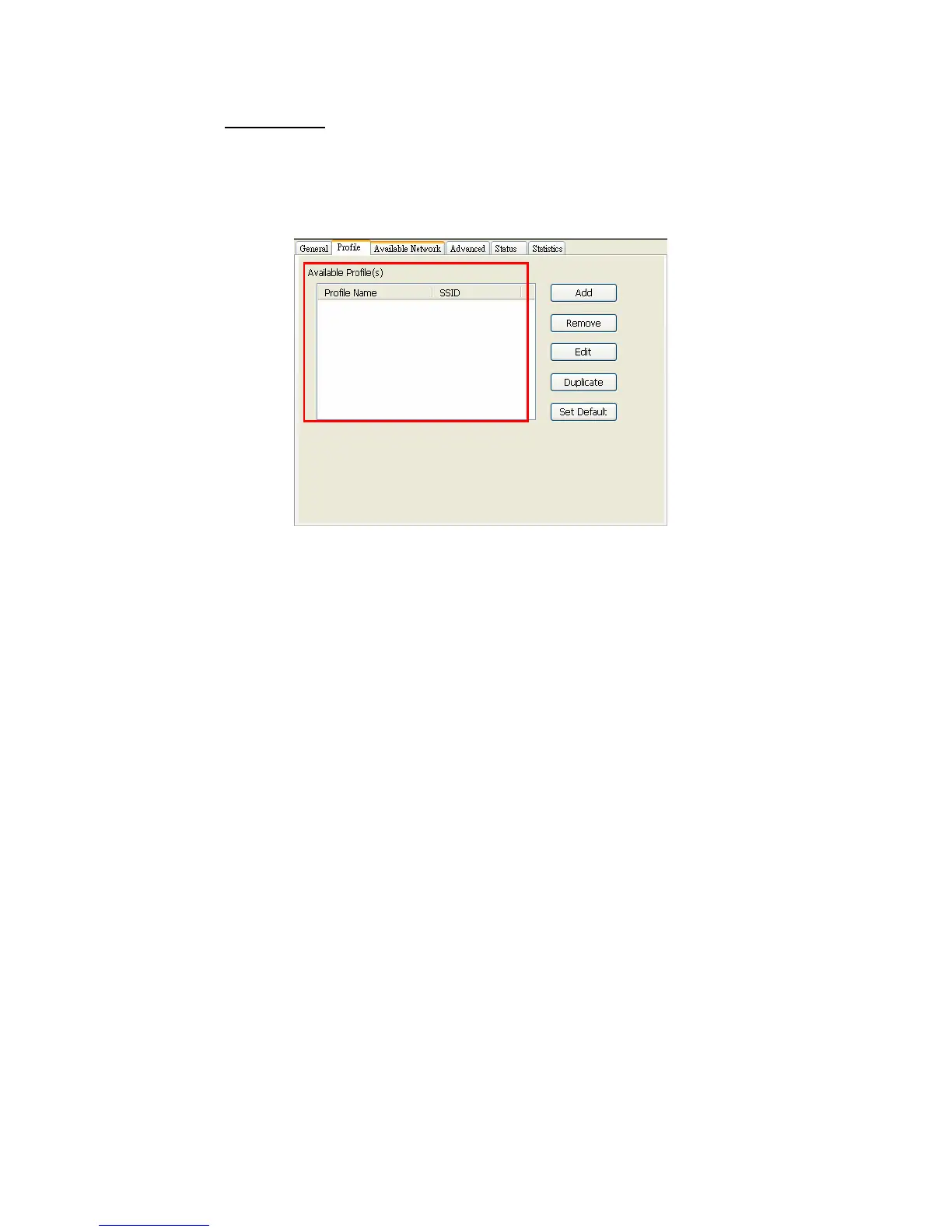
This page provides profiles management like add, remove, edit and duplicate
just by pressing the button.
Available Profile(s)
The list box shows all the created profiles.
1. Add
Add a new profile for access point or IBSS (Ad-Hoc mode).
2. Remove
Remove the selected profile
3. Edit
Edit contents of selected profile
4. Duplicate
Make copy of selected profile.
5. Set Default
Set the selected profile as default selection.
6. Available Network page
This page presents all BSS, including access points and IBSS, around this
system. And you could pick one of these network connections.
2



 To Next Page