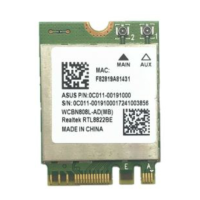
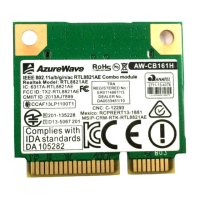
RTL8852AE User’s Manual
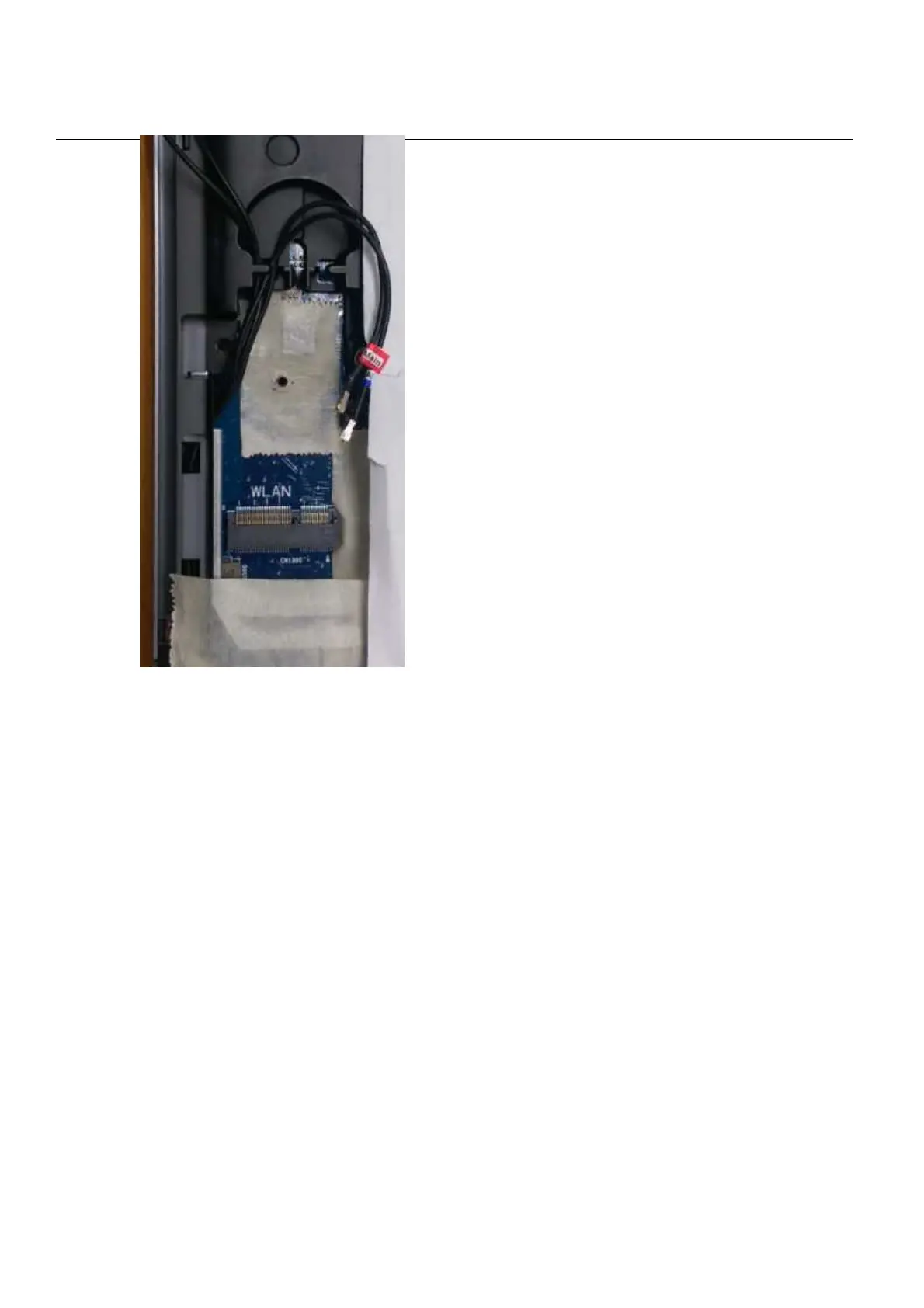
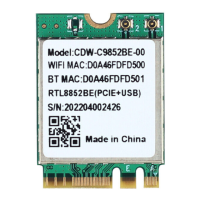
Installing the WLAN PCIe & Bluetooth USB NGFF2230
module Software
Before you proceed with the installation, please notice following descriptions.
Note1: The following installation was operated under Windows 7.
Note2: If you have installed the WLAN driver & utility before, please
uninstall the old version first.
A. Execute the “setup.exe”, Click “Next” to process the installation



 To Next Page