RM-DPC Micro FP Documentation
RDN 10000531 13 13.05.2013
8 Text messages on the display
8.1 Operating messages
Appears after the power is switched on and remains for approx. 1 se-
cond. The RM-DPC Micro FP can start up and perform a self-test during
this time.
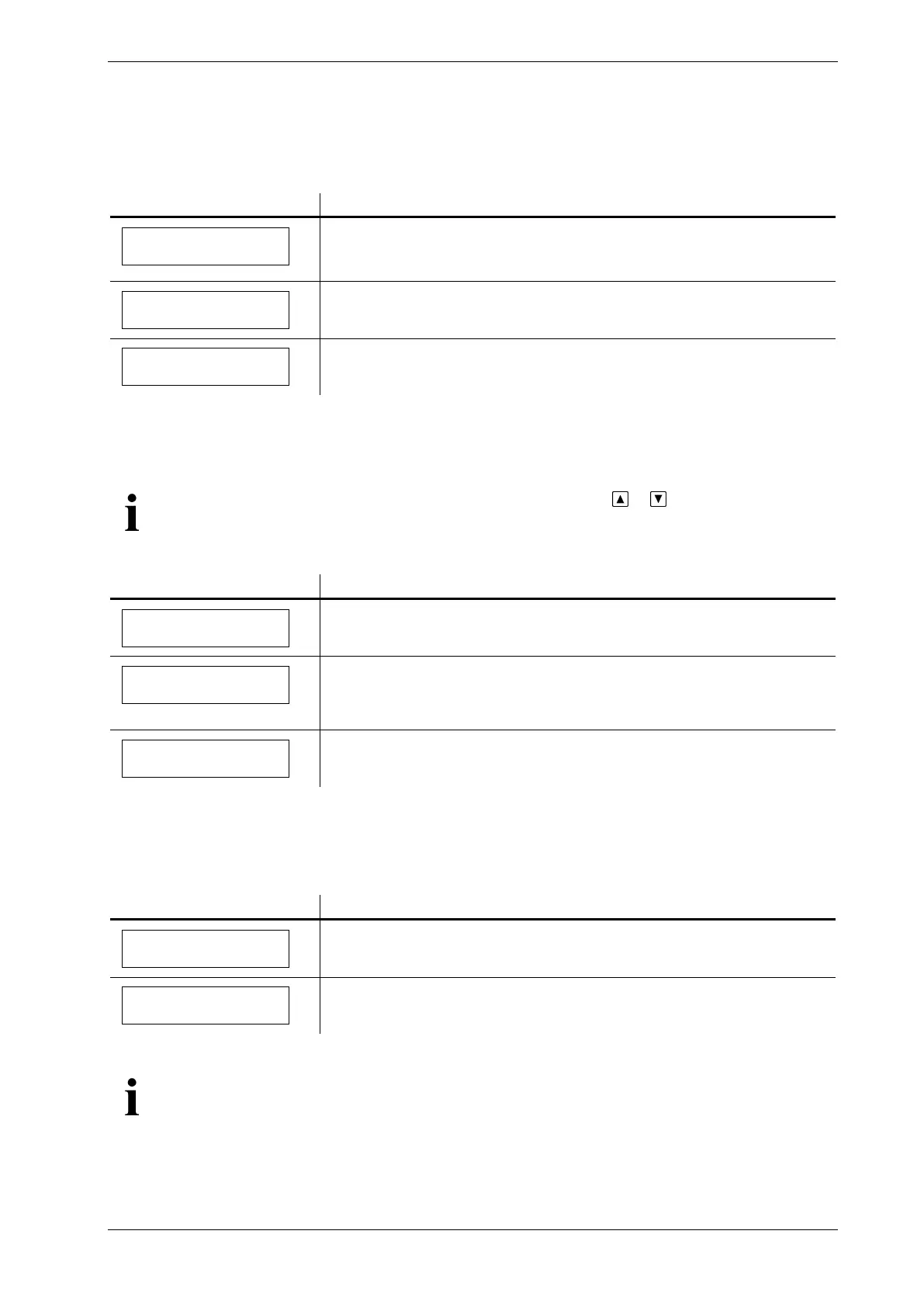
RM-DPC Micro
Software #.##
Display on device function "dP control."
currently measured differential pressure
Contr. active
dP #### [Pa]
Display on device function "dP monitor"
currently measured differential pressure
Monitor active
dP #### [Pa]
8.2 Additional information
You can open the following additional information by pressing or in "Operation" mode, as
long as there are no active alarm messages.
Display of elapsed operating hours (#####) for 3 seconds.
After 3 seconds, the display returns to the operating messages.
Number of hours to next maintenance (#####), if the service hours
counter has been activated.
After 3 seconds, the display returns to the operating messages.
Time to service
##### [h]
Number of minutes to timer function (####), if the timer has been acti-
vated.
8.3 Alarm messages
The ∆p min alarm switch point has been exceeded.
currently measured differential pressure
dP min alarm
dP #### [Pa]
The ∆p max alarm switch point has been exceeded.
currently measured differential pressure
dP max alarm
dP #### [Pa]
The ∆p max alarm has priority over the ∆p min alarm.
The ∆p max alarm and the ∆p min alarm messages are not saved. They are automatically de-
leted when the differential pressure falls below the relevant switch points.


 To Next Page