Need help?
Do you have a question about the Redarc BMS1230S2 and is the answer not in the manual?
Highlights the multi-product functionality and key advantages of the Manager30.
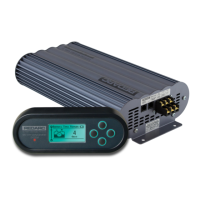
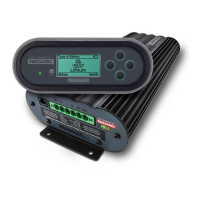
Provides a comprehensive overview of the Manager30's purpose and capabilities.
Details the function and features of the remote monitor for system control.
Lists all the components included in the Manager30 kit for installation.
Outlines the electrical and general specifications of the Manager30 system.
Explains the two multi-stage charging profiles: Touring and Storage.
Describes how to set the maximum charge current for battery compatibility.
Explains the priority order for charging from multiple available sources.
Illustrates the typical wiring diagram for connecting the Manager30 system.
Provides guidance on how to mount the Main Unit, Remote Monitor, and Battery Sensor.
Details the necessary cable sizes for input and output connections for safety.
Explains how to make all the necessary electrical connections for the unit.
Covers battery types, series/parallel wiring, and Ah rating setup.
Explains the Manager30's MPPT solar charging capabilities and requirements.
Describes the purpose and controls of the Remote Monitor.
Explains how to read and navigate the information on the LCD display.
Guides the user through the initial setup process, including language and battery type.
Details how to access and view various system status screens and logs.
Explains how to access and modify battery, remote, and advanced settings.
Describes how the system alerts users to warnings and faults.
Provides guidance on identifying and resolving common issues and faults.
Lists the default factory settings for the Manager30 unit.
Provides answers to common questions regarding operation and troubleshooting.
Provides a template for drilling mounting holes for the remote monitor.
Outlines the terms, conditions, exclusions, and limitations of the product warranty.
 General
| Brand | Redarc |
|---|---|
| Model | BMS1230S2 |
| Category | Camera Accessories |
| Language | English |

 To Next Page