www.altronics.com.auRedback® Proudly Made In Australia6
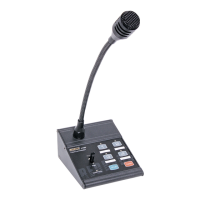
Redback® A 4488 Paging Console
Next move the PTT switch to the up position which is lablelled “BGM”. While the switch is in this position and only this
position will the background music will be piped out to the zones selected.
The volume is adjusted by the BGM volume trimpot on the rear of the microphone.
If the PTT switch is moved to the “Page” position the background music will stop and paging will be active.
If the PTT switch is in the centre position the BGM and paging are not active.
If background music is required again to the same zones as previously selected, then all that’s needed to initiate it again is
to move the PTT switch back to the “BGM” position.
If the BGM is to be piped to different zones then it is only a matter of selecting the new zones, and then moving the PTT
switch to the “BGM” position.
9.0 Understanding the BGM (Background Music) and Paging Relationship with multiple paging consoles
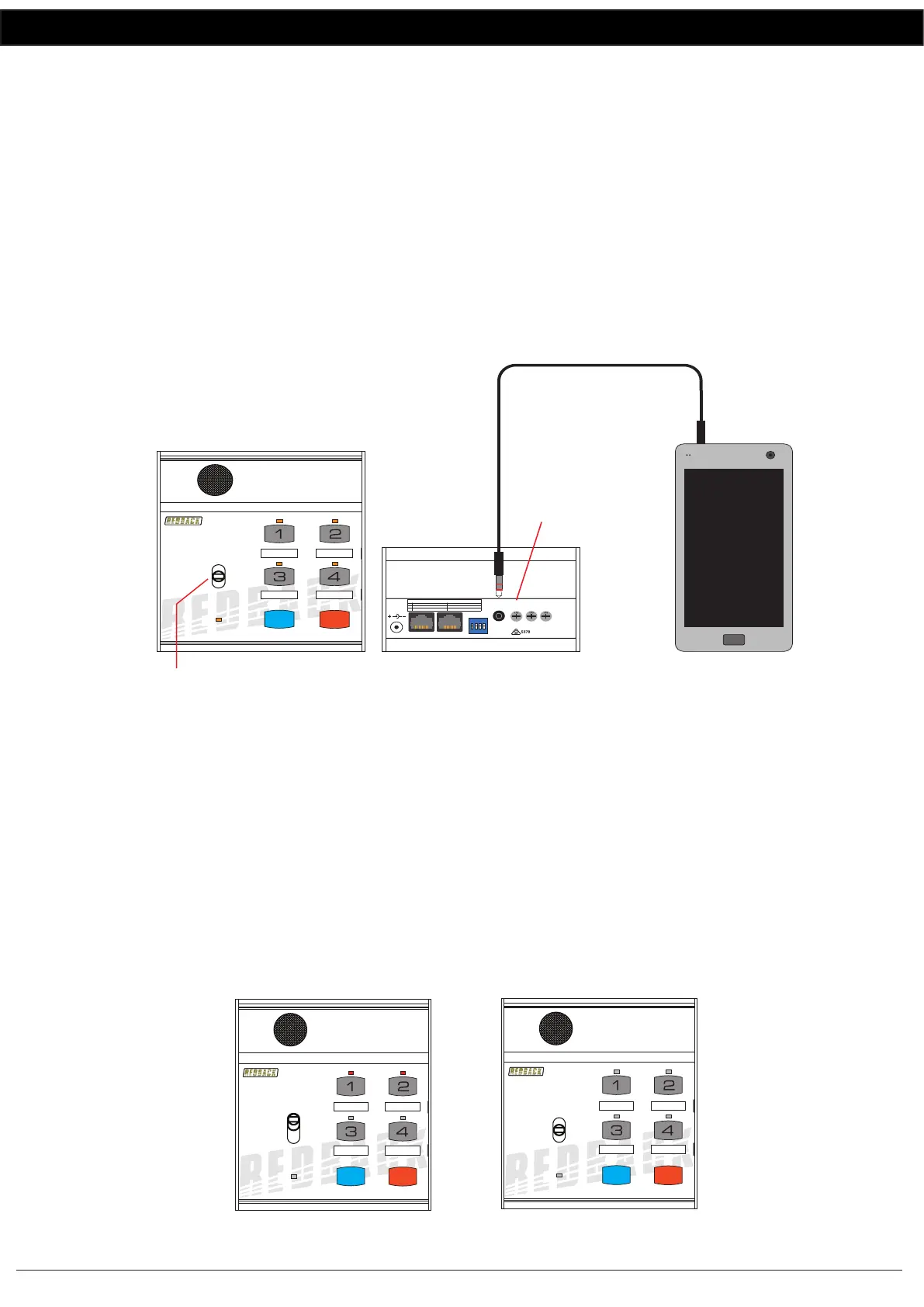
The background music source is connected to the rear of the paging console as shown in Fig 7.
Fig 7
If two paging consoles are in use, a background music source could be connected to either console, operating on a First
In, First serve basis. But it is not recommended to use more than one BGM input.
Unfortunately when the BGM is active on one paging console there is no visual indication of this fact on the other
console. So having two BGM sources would become confusing.
When the BGM is active on Paging console 1 it can be over-ridden by general paging on Paging console 2 and vise versa.
Fig 8a
TO ACTIVATE THE BGM
MOVE THE SWITCH TO
THE “LOCK ON” POSITION
24VDC In
Volume
Mic
Chime
Volume
1 2 3 4
1
2
PA System Chime On
SW
PA System Chime O
Internal Chime On Internal Chime O
On
O
DIP Switches 1-2 Settings
ON
1 2 3 4
BGM
Volume
BGM
Input
REAR OF A 4488
ADJUST THE BACKGROUND
MUSIC VOLUME
BACKGROUND
MUSIC SOURCE
Connecting an audio source to the BGM input
4 Zone Communicator
System Busy
Page
BGM
All Call Cancel
A 4488
Paging console 1 has zones 1 & 2
selected and the PTT switch
moved to the “Lock On” position.
Background music is fed to zones 1 &2.
The LED’s on zones 1 &2 are illuminated
indicating which zones have
background music.
4 Zone Communicator
System Busy
Page
BGM
All Call Cancel
A 4488
4 Zone Communicator
System Busy
Page
BGM
All Call Cancel
A 4488
Paging console 2 has the
PTT switch in the OFF position
and has no visual indication that
the BGM is active to zones 1 & 2.
Paging Console 1 Paging Console 2


 To Next Page
 Loading...