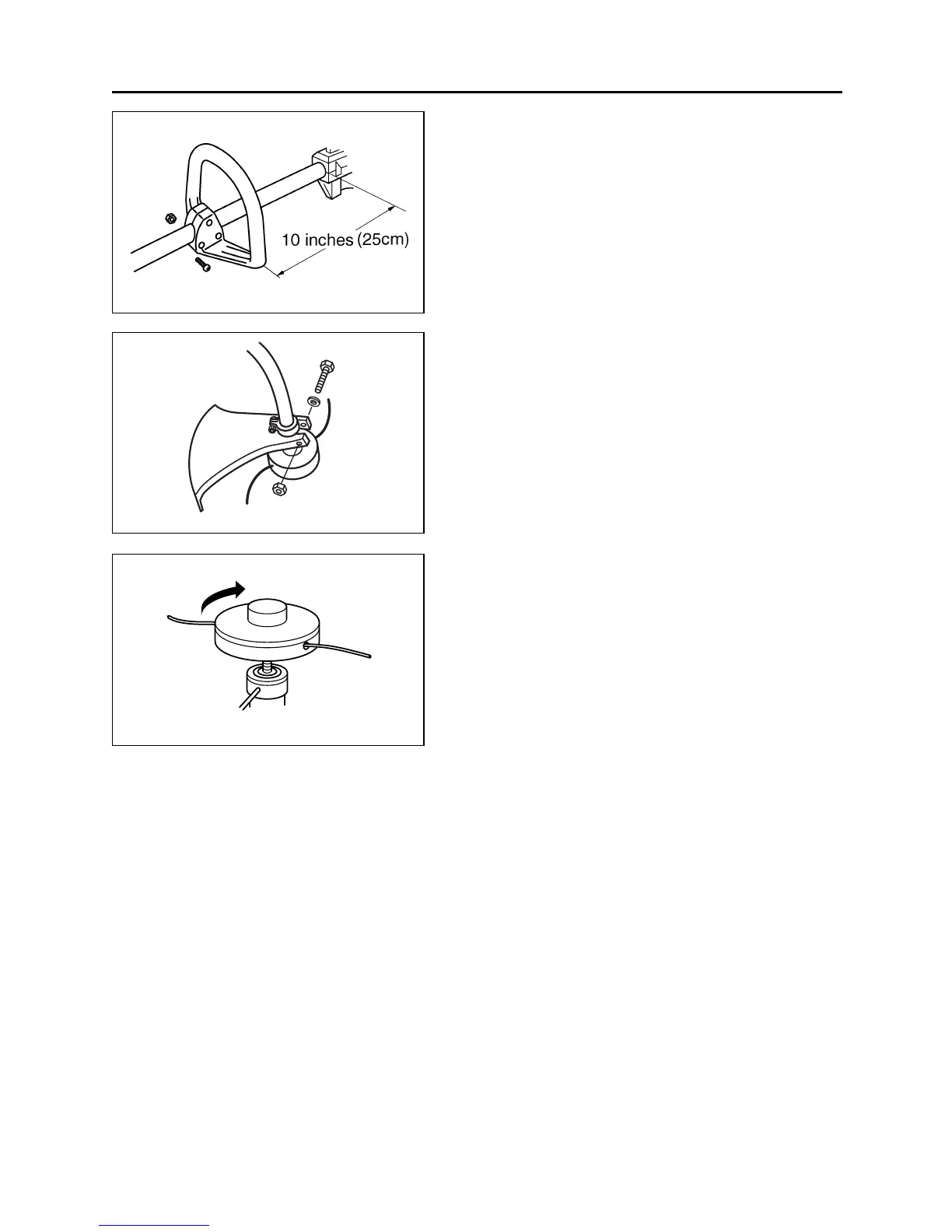
■ INSTALLING HANDLE (SE1)
•Mount the handle to the shaft tube and clamp it
at your best operating position.
■ INSTALLING DEBRIS GUARD (SE2)
• Put the debris guard on the shaft tube near the
gear box, attach it with the screw, washer and
nut provided.
■ INSTALLING CUTTING HEAD (SE3)
1. While locking the gear shaft by inserting the
attached bar into the upper holder and the
housing.
2. Rotate the cutting head to engage threads.
Hand-tighten it securely.
6. Set up
SE1
SE2
SE3
13



 To Next Page