79
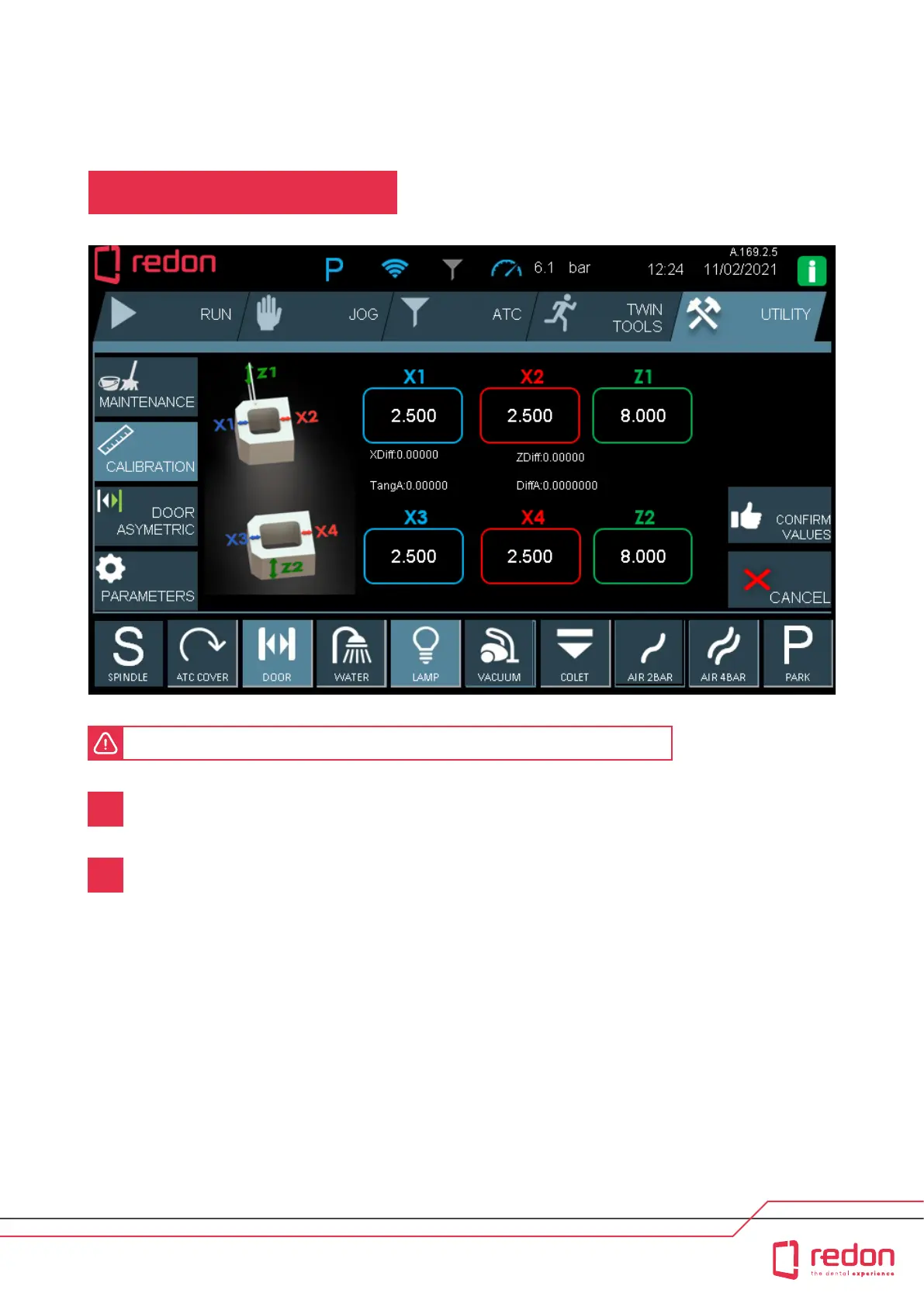
The warning screen will ale you as to whether the entered values are correct or not.
If you are not sure about whether you entered the correct values or not, press the CANCEL buon and then
enter the values again.
If you are sure that you have entered the correct values, press the CONFIRM VALUES buon. If you select the
(Conrm) buon, the calibration process will sta. Aer the calibration is nished, the piece will be measured.
This process continues until X1, X2 and Z values are within the ±0.01 tolerance range.
1
2
UTILITY / CALIBRATION
USER INTERFACE / UTILITY



 To Next Page