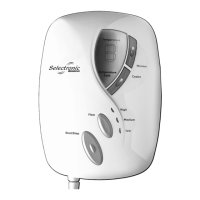
Diagram 22
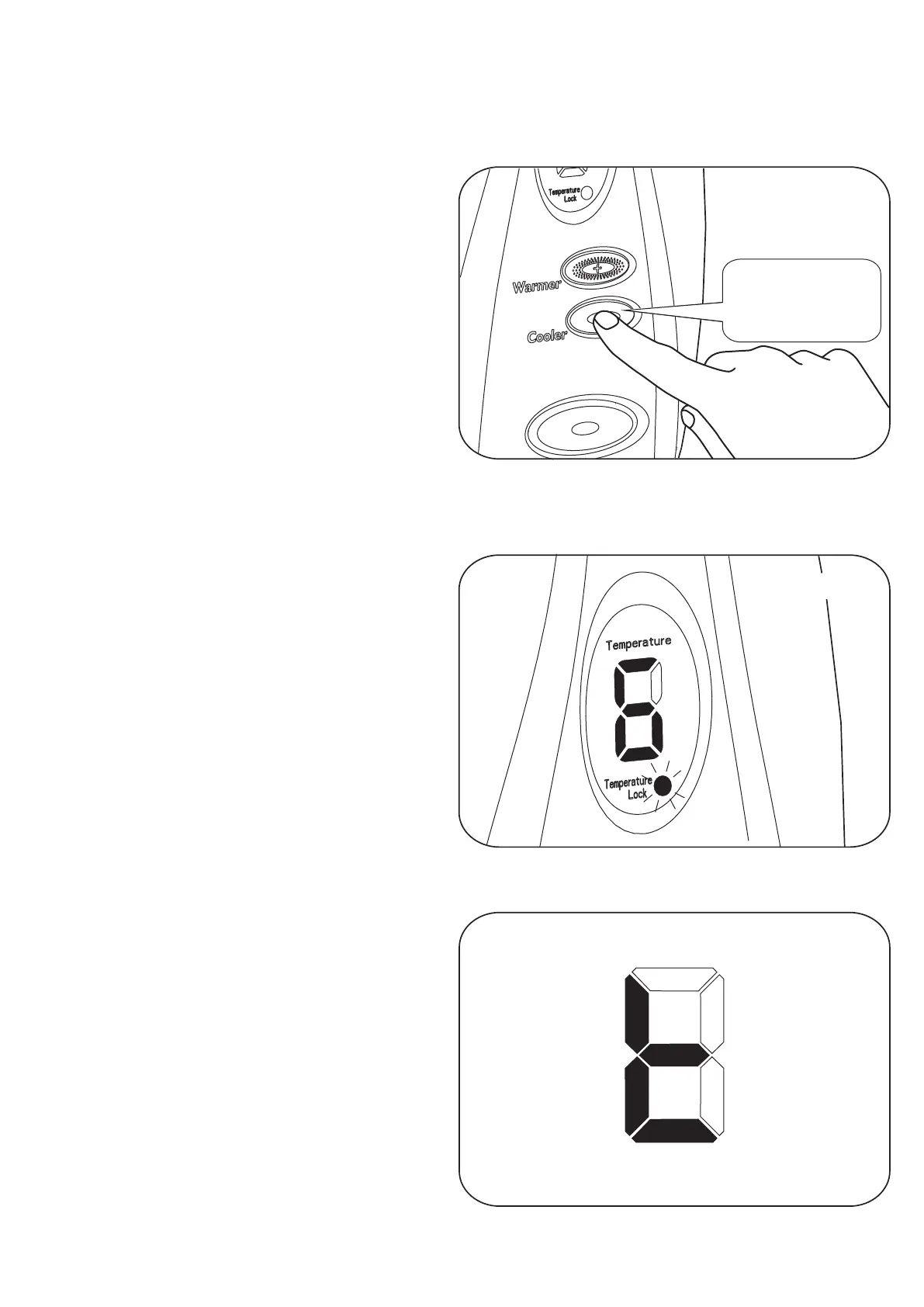
Diagram 21
Audible Short
Bleeps
3
It can take a long time for the unit to reach a safe temperature. To speed this
temperature reduction up, the hot water can be purged from the unit.
Purging
While the unit is in “O” (Over) “t”
(Temperature) shutdown mode. Press the
cooler button for more than 3 seconds.
(See Diagram 21)
This will switch the water on ONLY while
the button is pressed.
Caution!!
Water Will Be Hot stand clear of the spray
from the handset.
Keep pressing the button the unit will then
switch off automatically with 3 short bleeps
when a safe water temperature has been
reached.
Temperature Lock Operation
This mode is selected on installation to
prevent the temperature being set too Hot
or too Cold. See section in ‘Changing the
Operating Mode’ Page 9.
All the controls are the same as previously
described.
However, the Warmer and Cooler
adjustment is Locked to the digit range
(Shown in table on Page 9) and the
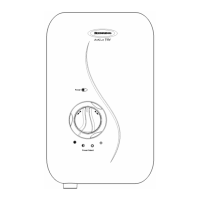
temperature lock light will come on (See
Diagram 22).
Automatic Switch Off
With temperature lock selected, the
shower will automatically switch off after
30 minutes.
Near the end of the 30 minutes the shower
will bleep several times and the display will
change to “t” (See Diagram 23).
In order to stop the shower automatically
switching off, press either the warmer or
cooler button.
Diagram 23
15


 To Next Page