How To Use Your Shower
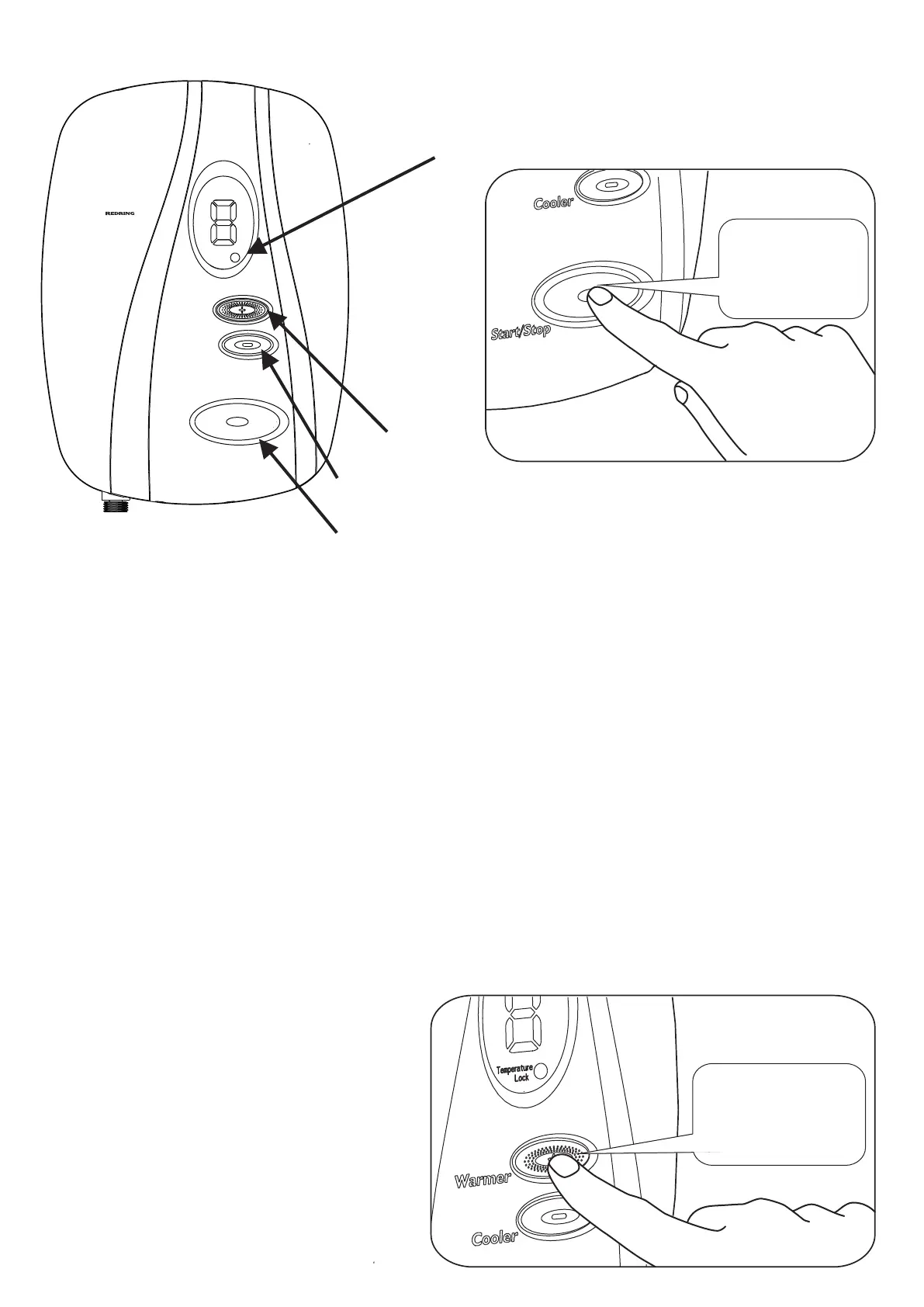
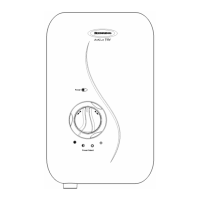
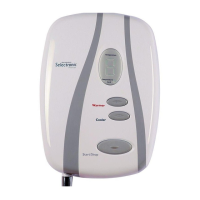
Warmer
Cooler
Start/Stop
Temperature
Temperature
Lock
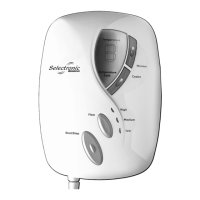
Selectronic
Premier
Temperature
Lock Light
Warmer
Cooler
Start / Stop
To Switch The Shower On :
Switch On Electricity at ceiling / isolating switch.
Press the Start / Stop button. (Confirmed with a single bleep). (See Diagram 13).
The shower will start and display the target running temperature for about two
seconds. An internal motor will also adjust to give the optimal flow rate.
Note The target start up temperature is set by the installer. (See Installer section).
This is normally 40°C (Digit 5), with adjustment being 34°C to 40°C (Digit 1 to 5).
After two seconds the Display will change to show the actual temperature (usually “L”).
The digit will flash and increase until the Display reaches the target running temp.
When the shower has reached the target temperature it stops flashing.
A double bleep will sound, indicating the shower is ready to use.
(The shower will only double bleep once per shower session).
To Change The Shower Temperature :
Press the Warmer Button to increase
the temperature. (See Diagram 14).
(Confirmation with a Single Bleep).
Audible Short
Bleep
1
Diagram 13
12
Diagram 14
Audible Short
Bleep
1


 To Next Page