HOWTO USE PROGRAMS DmRECTLY FROM
OUR WEB StaTE
Our Web site at wwwJFUT,com allows you to access
programs directly from the internet, AdditionaU options
are soon to be avaHabb, See wwwJFUT,com for more
information,
To use programs from our Web site, the treadmHUmust
be connected to your home computer, See HOW TO
CONNECT YOUR COMPUTER on page 19, in
addition, you must have an internet connection and
an internet service provider, A Hstof specific system re-
quirements is found on our Web site,
Follow the steps bebw to use a program from our
Web site,
Insert the key into the console.
See HOW TO TURN ON THE POWER on page 10,
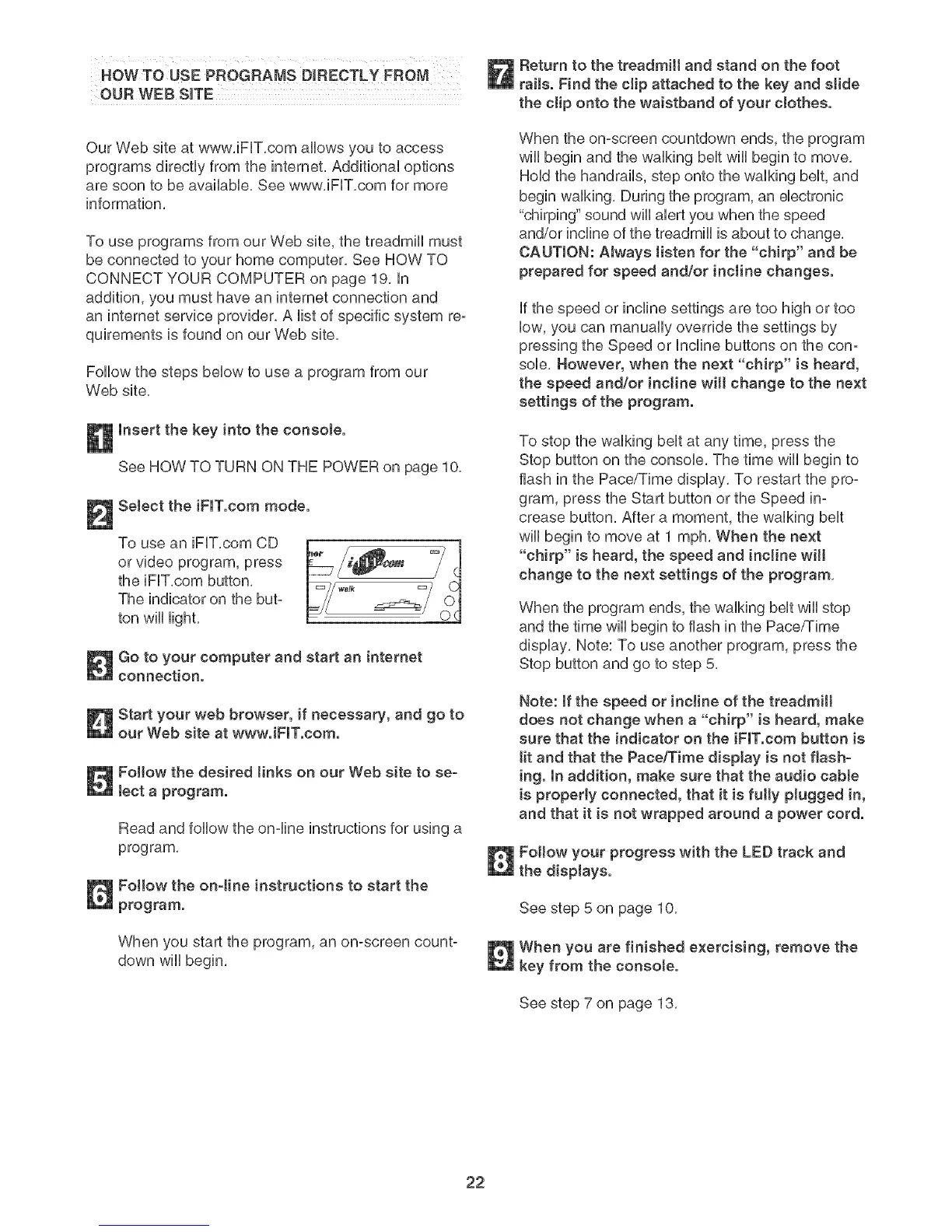
Select the iFIT.com mode.
To use an iFUT,com CD
or video program, press
the iFUT,com button,
The indicator on the but-
ton will light,
Go to your computer and start an internet
connection.
Start your web browser, if necessary, and go to
our Web site at www.iFIT.com.
Follow the desired tinks on our Web site to se-
tecta program.
Read and follow the on-line instructions for using a
program,
Follow the on-tine instructions to start the
program.
When you start the program, an on-screen count-
down will begin,
Return to the treadmill and stand on the foot
rails. Find the clip attached to the key and slide
the clip onto the waistband of your clothes.
When the on-screen countdown ends, the program
wiii begin and the walking belt wiii begin to move,
Hold the handrails, step onto the walking belt, and
begin walking, During the program, an electronic
"chirping" sound will alert you when the speed
and/or incline of the treadmill is about to change,
CAUTION: AJways listen for the "chirp" and be
prepared for speed and/or incline changes.
if the speed or incline settings are too high or too
low, you can manually override the settings by
pressing the Speed or Incline buttons on the con-
sob, However, when the next "chirp" is heard,
the speed and/or incline wilt change to the next
settings of the program.
To stop the walking belt at any time, press the
Stop button on the console, The time wiii begin to
flash in the Pace/Time display, To restart the pro-
gram, press the Start button or the Speed in-
crease button, After a moment, the walking belt
will begin to move at 1 mph, When the next
"chirp" is heard, the speed and incline will
change to the next settings of the program,
When the program ends, the walking belt wiii stop
and the time wiii begin to flash in the Pace/Time
display, Note: To use another program, press the
Stop button and go to step 5,
Note: If the speed or incline of the treadmill
does not change when a "chirp" is heard, make
sure that the indicator on the iFIT.com button is
tit and that the Pace/Time dispJay is not flash-
ing. In addition, make sure that the audio cable
is properly connected, that it is fully plugged in,
and that it is not wrapped around a power cord.
Follow your progress with the LED track and
the displays.
See step 5 on page 10,
When you are finished exercising, remove the
key from the consote.
See step 7 on page 13,
22







 To Next Page