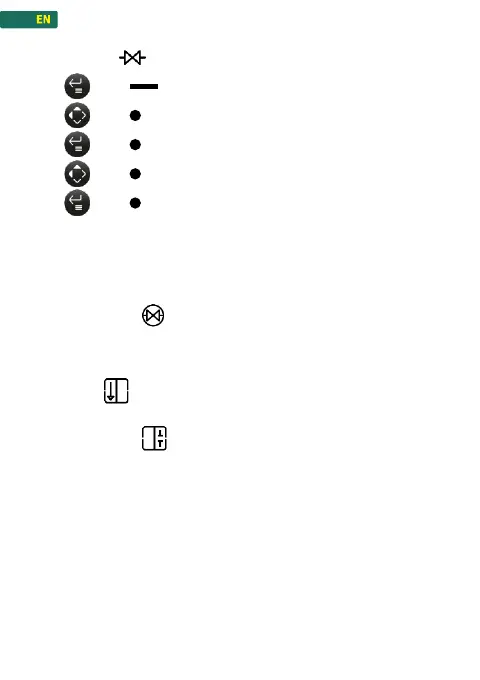
1. press , to enter the menu
2. press , navigate to Valve control
3. press , confirm
4. press , navigate to On / OFF or SCAN
5. press , to confirm the desired function
On/OFF: Switching on or off the connection to the valve. The
scale automatically tries to connect to a REFCO valve.
SCAN: Search and connect to the REFCO valve via Bluetooth.
If the Valve control is activated, the symbol «Valve
connected»
on the display flashes. It now tries to
connect to a valve. When it stops flashing, the valve is
connected.
If the valve is open, the valve function is displayed with an
arrow .
If the valve is closed, the valve function is displayed with an
interruption .



 To Next Page