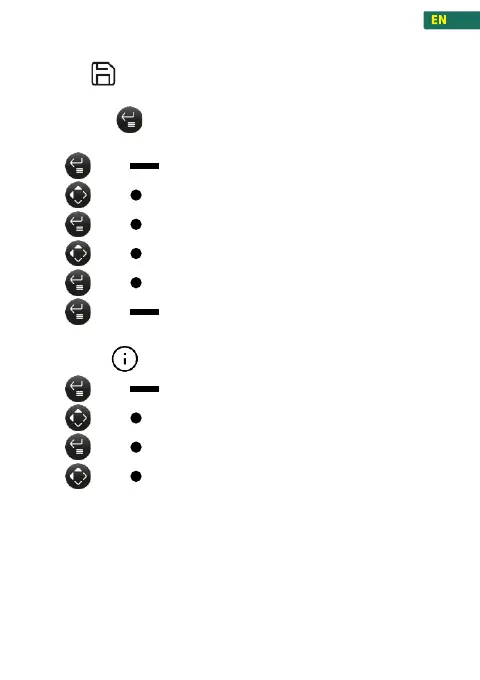
In the work mode, the current data can be saved by pressing the
Enter button . A maximum of 10 data can be saved. The data
can be subsequently read from the Memory.
1. press , to enter the menu
2. press , navigate to Memory
3. press , confirm
4. press , navigate to the data
5. press , to open the desired data
6. press , to exit from the Memory
1. press , to enter the menu
2. press , navigate to Information
3. press , confirm
4. press , to move between the information’s
SW V: Current software version
HW V: Current hardware version
PAR. C: When recalibrating or changing the GEO value, the
display increases.



 To Next Page