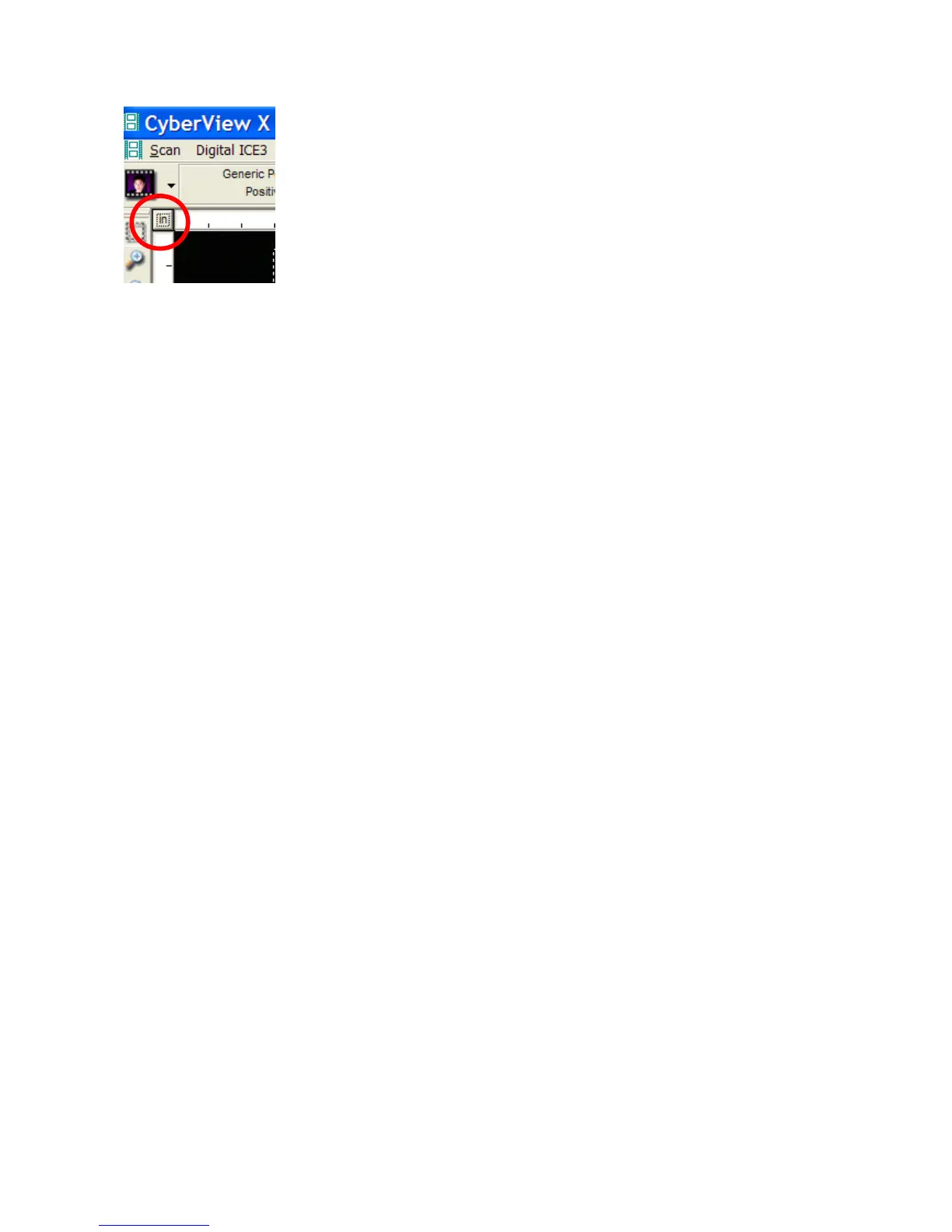
5.2.4 Define Measurement Units
In the top left of the Preview window, there is a clickable square which determines the
measurement units – inches, centimetres or pixels – this can be useful when defining the Default
Scanning Area – section 6.1.2.3.
Cyberview Page 12 of 33 Dec 2008















 To Next Page