5 Working with Cyberview
5.1 Starting Cyberview
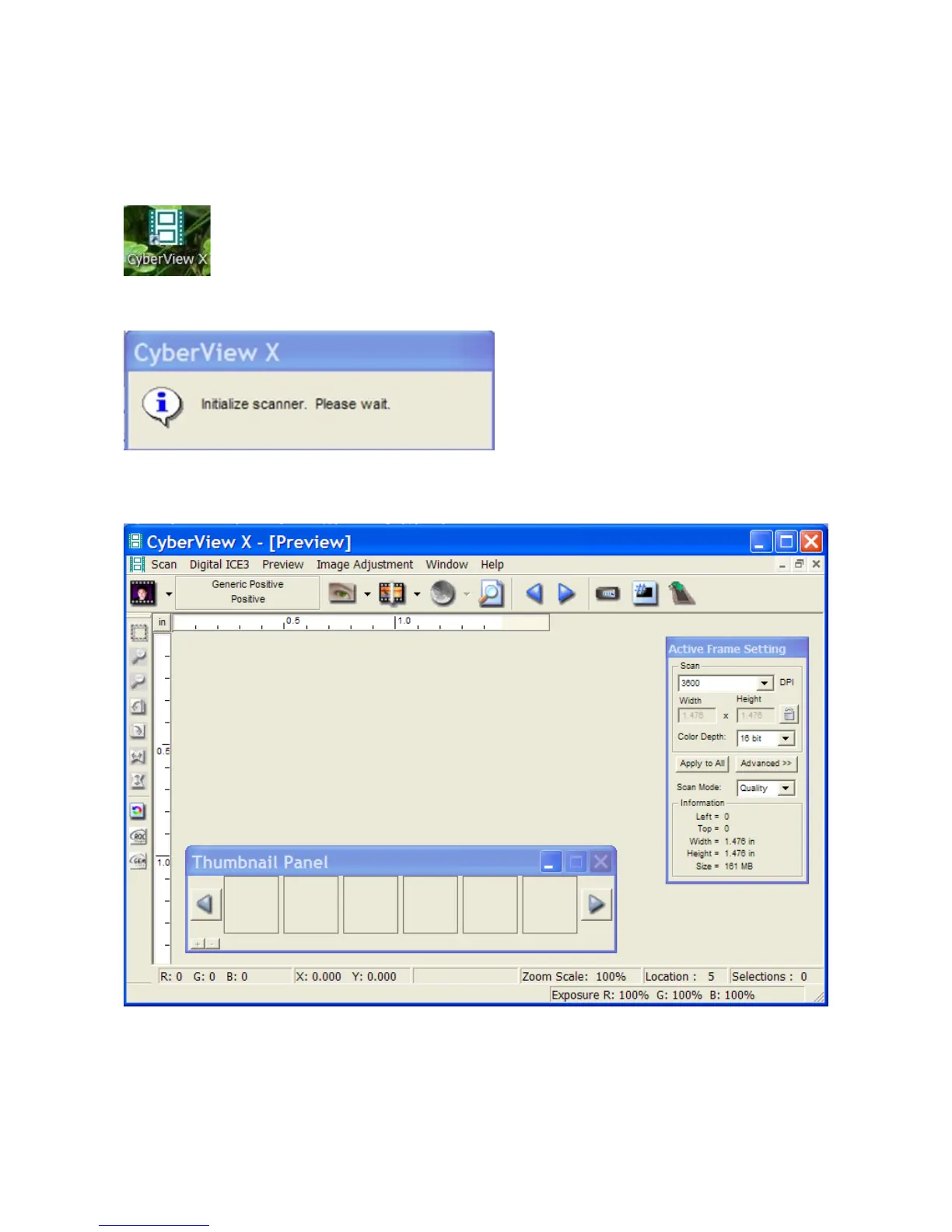
Turn on the scanner before starting Cyberview, then double click on the Cyberview icon on the
desktop, or select Start > Programs > Cyberview.
The following message is displayed
It takes about 3 minutes for the scanner to initialise, then the Cyberview Preview window appears
as shown below.
This window may be displayed differently, according to whatever settings have been previously
selected in Cyberview.
JS reports that sometimes the “egg timer” does not disappear. Click any Menu to get the cursor
back.
Cyberview Page 6 of 33 Dec 2008















 To Next Page