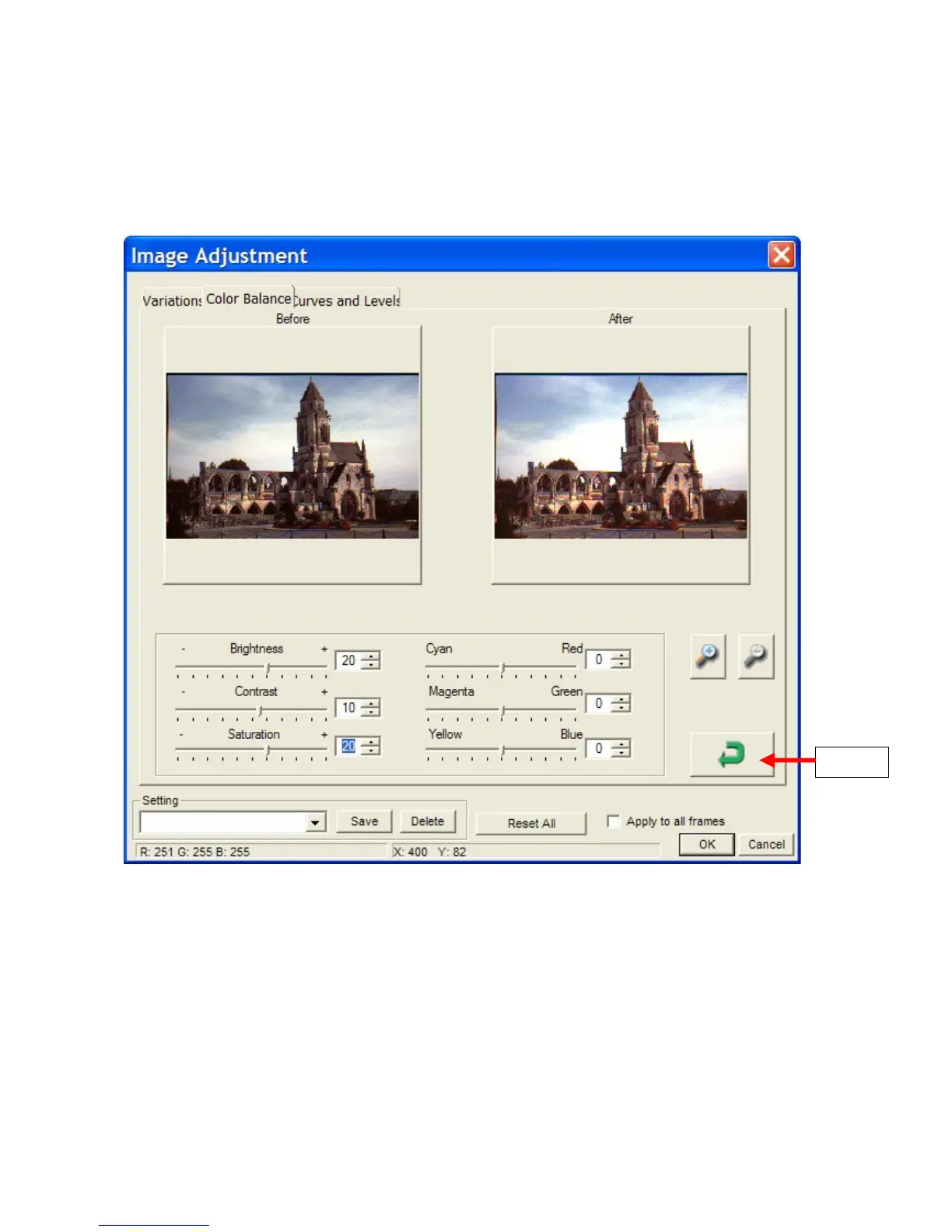
In the example below, the following adjustments have been applied:
• Brightness +20
• Contrast +10
• Saturation +20
(These values are not chosen to produce the best picture, but to produce a difference that can be
seen when viewing this document on screen or as a printed copy).
6.4.4 Curves and Levels
This is only included here for completeness. Unless you are a colour technology expert, and very
familiar with colour channels and histograms, all you can do here is to experiment as follows:
• Select a channel – RGB, Red, Green, Blue and drag the curve.
• Drag the Input and Output sliders
• Select an eyedropper – Black, Grey, White, and click on a spot in the After image, that should
be black, grey or white respectively, but is not.
Cyberview Page 26 of 33 Dec 2008















 To Next Page