Method 3
Used in between the amplifier pre-amp output and power amplifier input
- the Ear will amplify any signal fed to the pre-amplifier output sockets of
the Mira and Luna amplifiers. The volume on the amplifier will control the
headphone level and the main speakers can be muted via the Ear.
How?
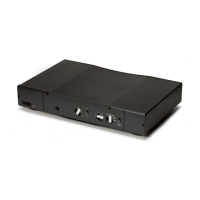
Connect the two sockets on the back marked INPUT (Red = Right, Black
= Left) to the pre-amplifier output sockets on the back of the main
amplifier. The two sockets on the back marked LINK (Red = Right, Black
= Left) are connected to the power amplifier input sockets on the back
of the main amplifier. Remove the lid of the main amplifier and switch the
pre-power sockets link switch (located at the back of the Mira and Luna
amplifier) to OFF.
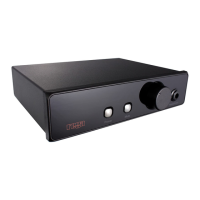
The mute on the front panel of the Ear will mute the signal to the
speakers connected to the main amplifier. The volume control on the
amplifier and the volume control on the Ear will affect the volume level
of the headphones. The best setting for the Ear volume control is where
the level of the headphones is the same as that of the main speakers
(the volume level on the Ear should be approximately 13:00 hours on the
dial).


 To Next Page